
RECEIPT CAMERA®
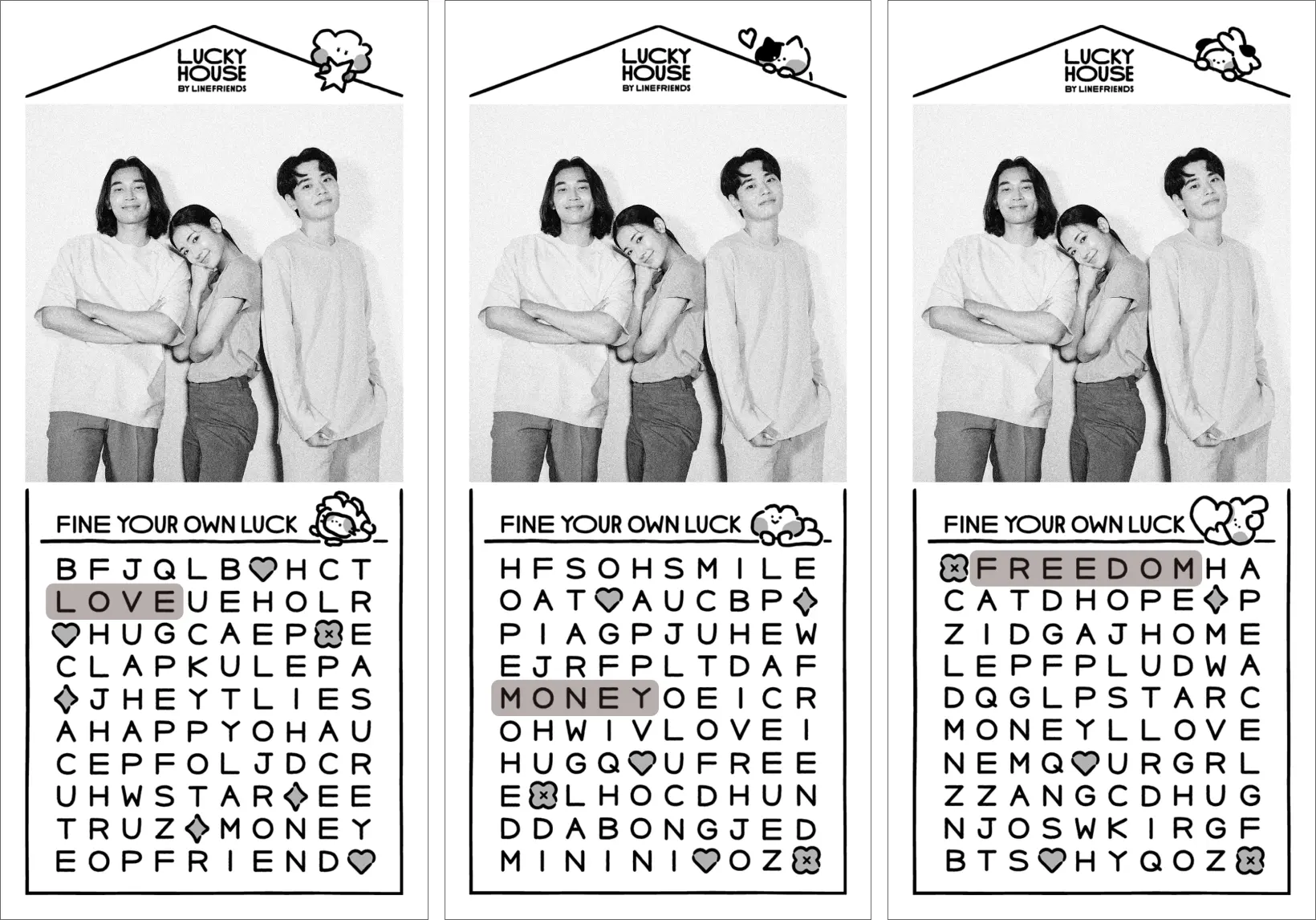
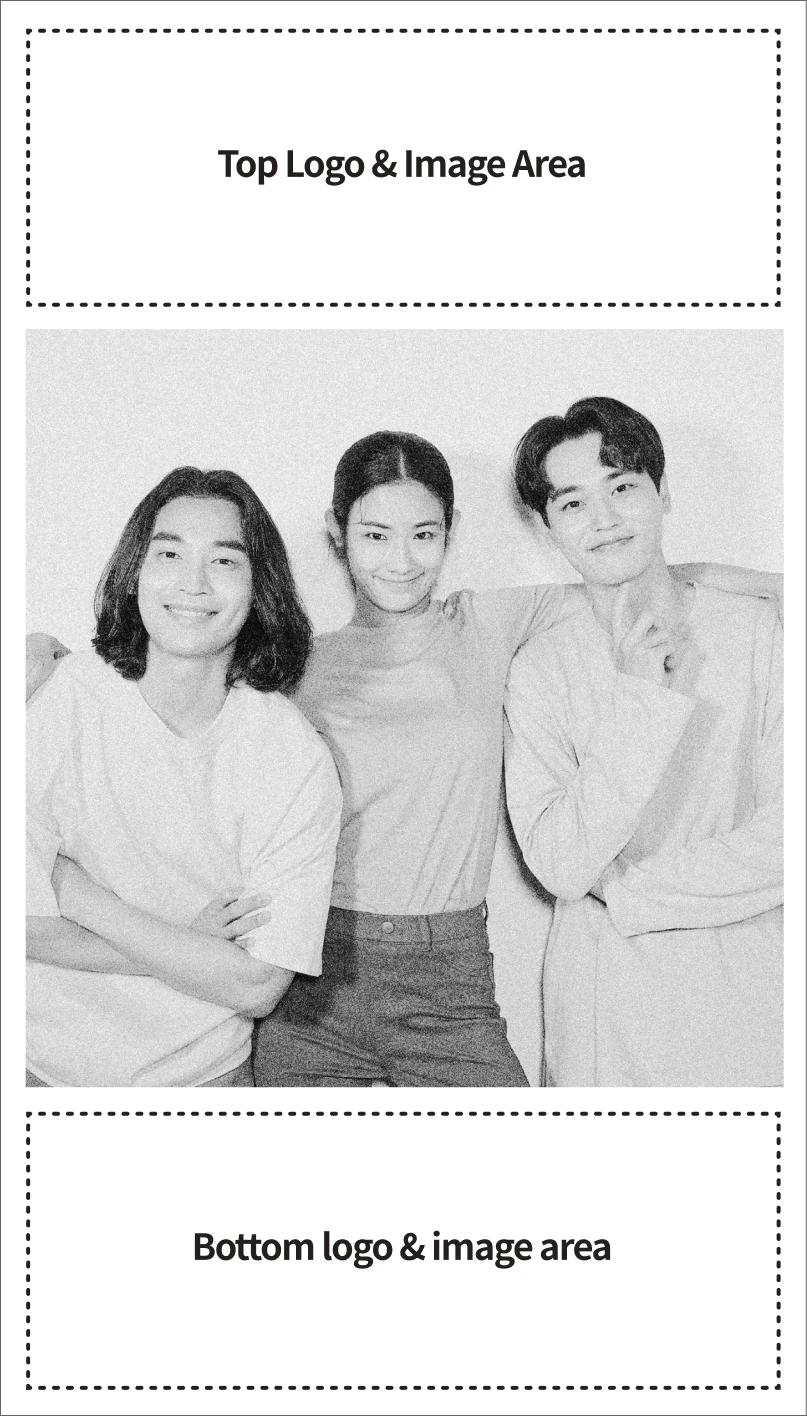
ONE capture mode example
1:1 ratio
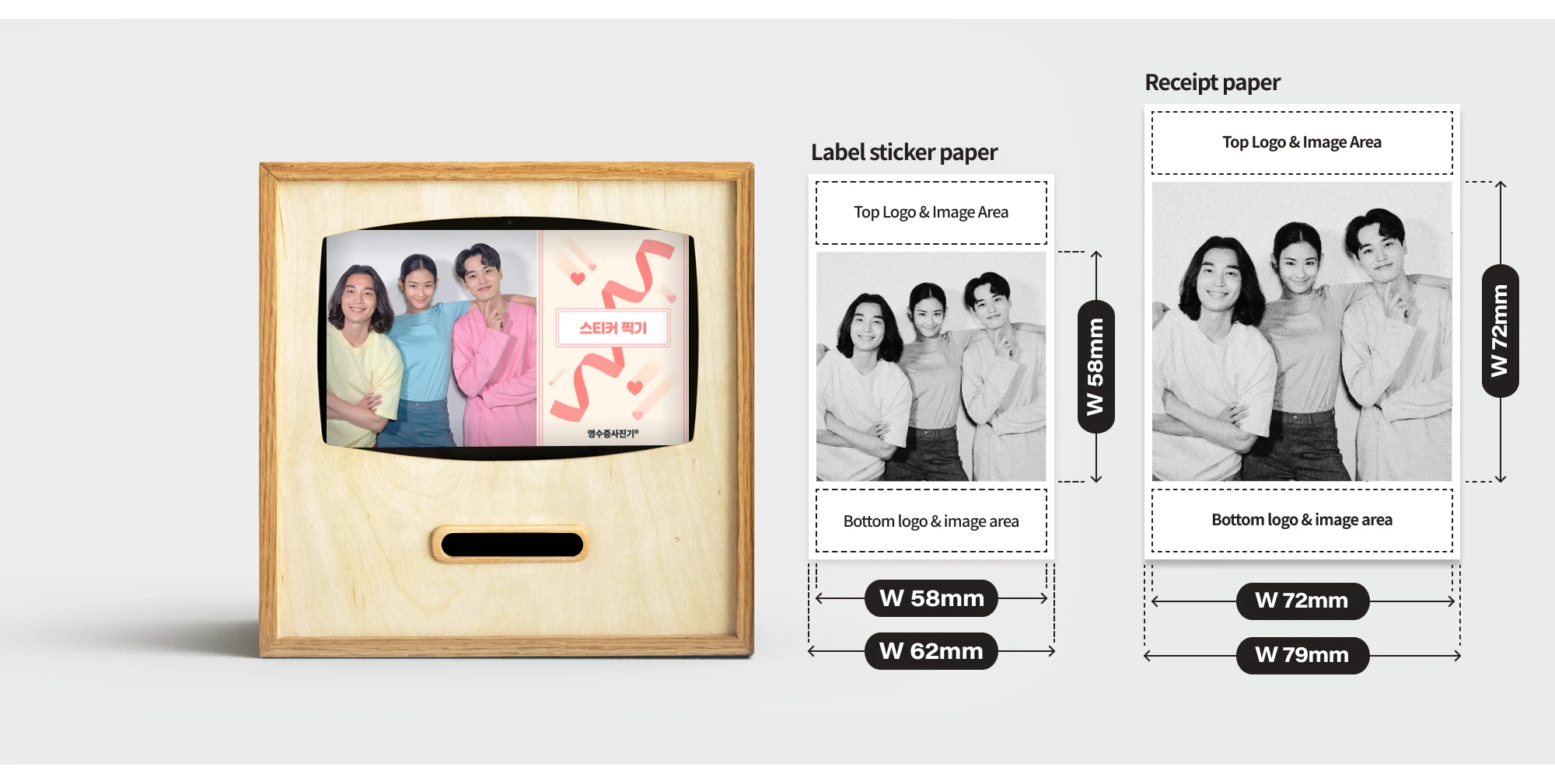
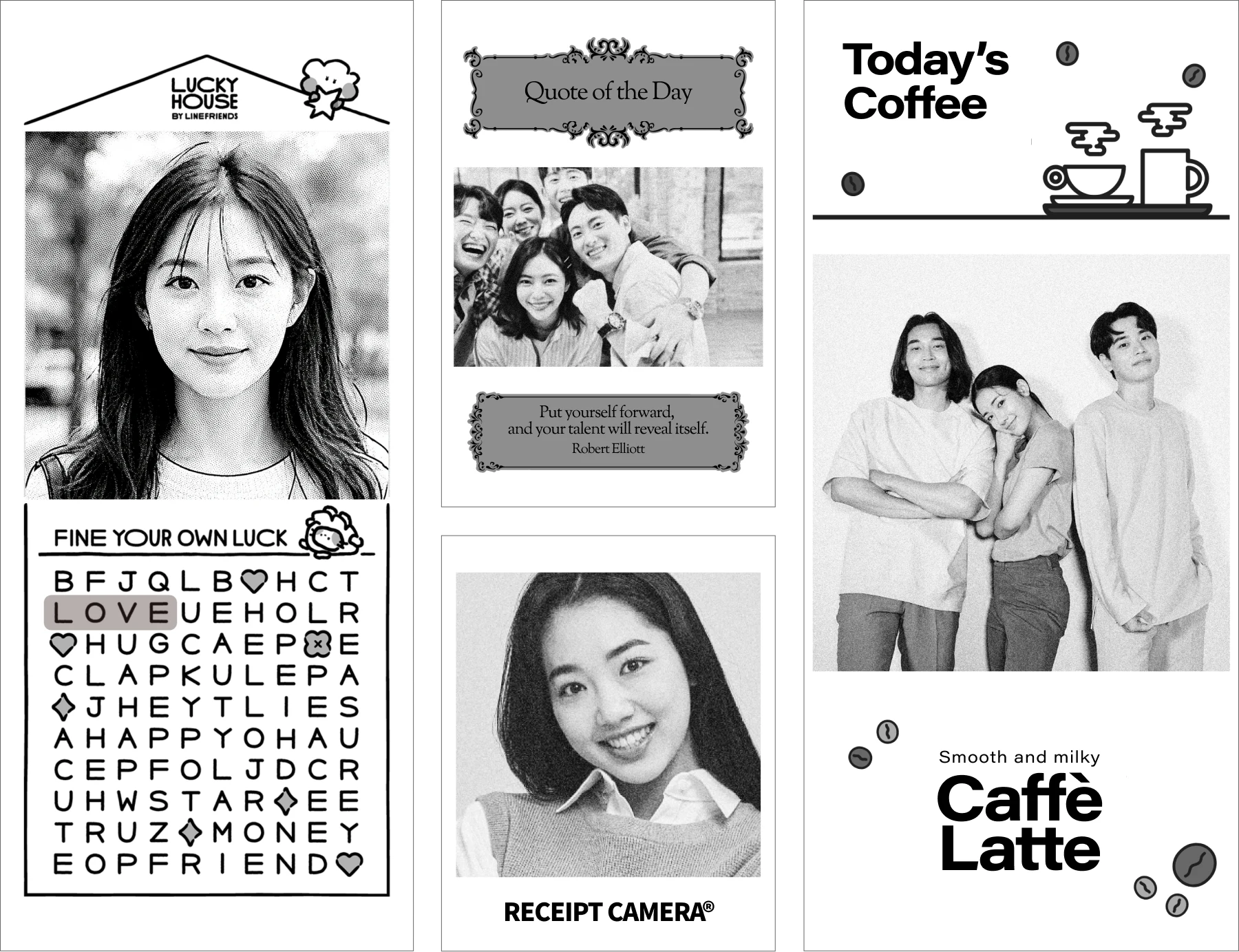
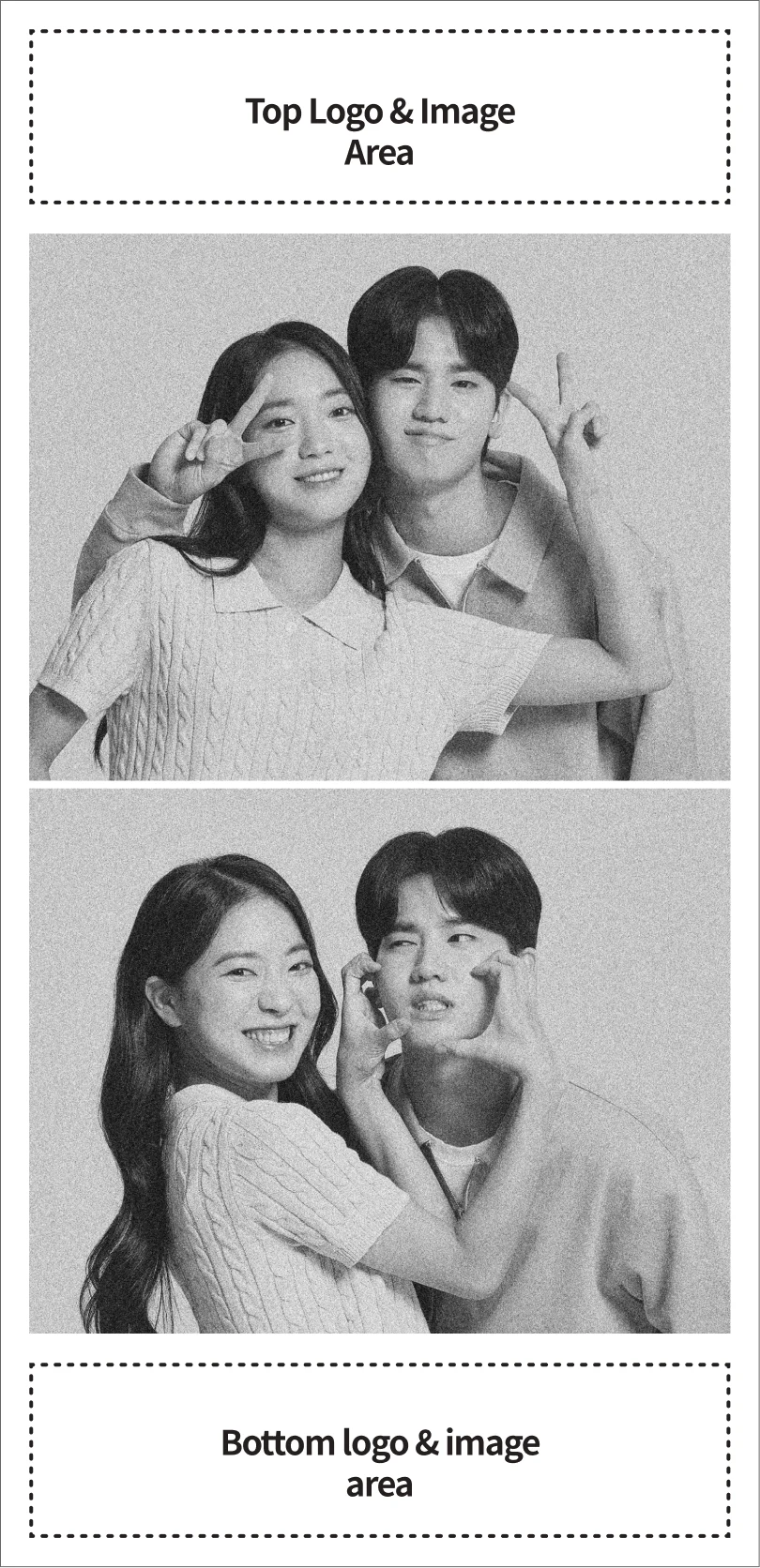
MORE capture mode example
16:10 ratio, 2 shots
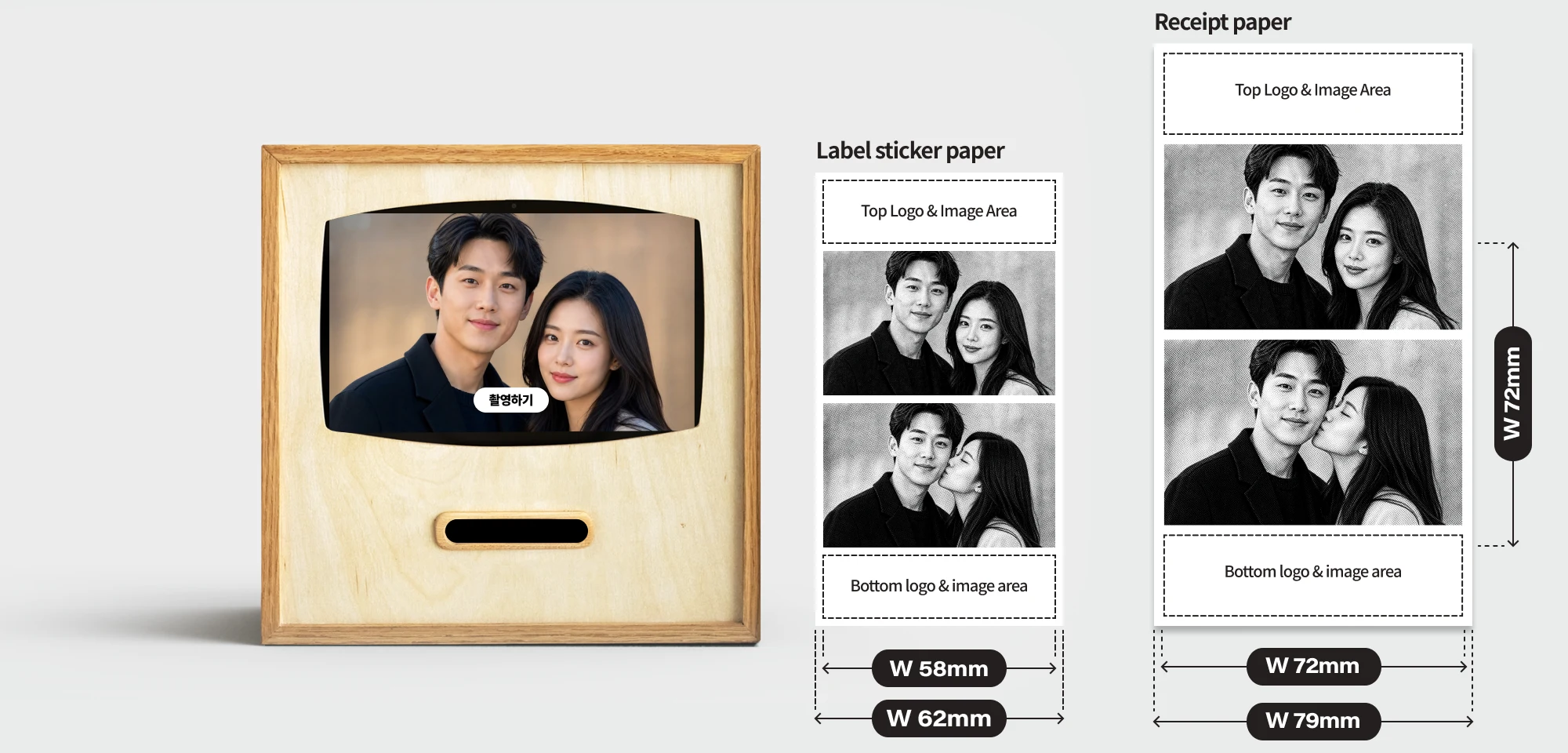
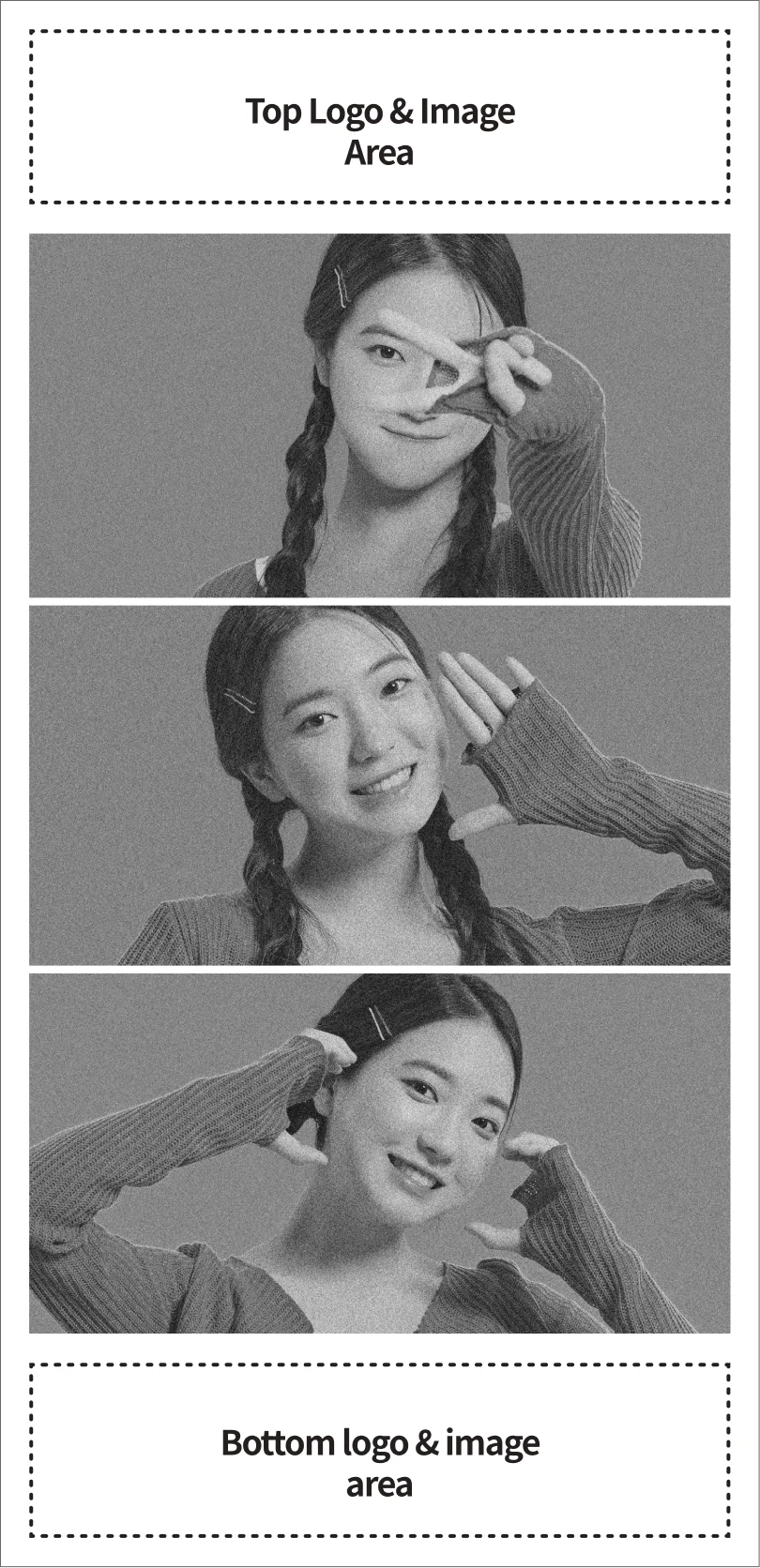
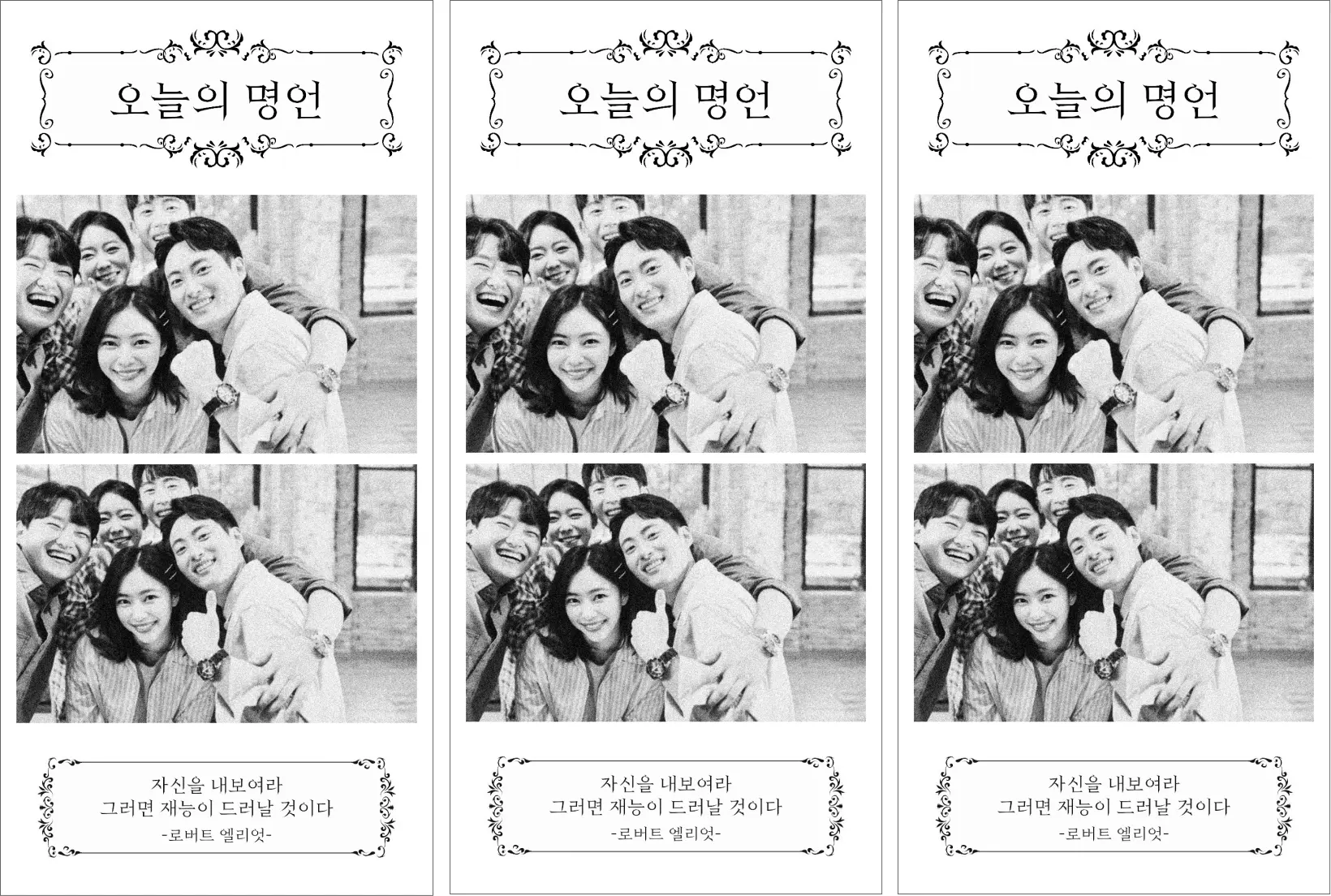
FRAME capture mode example
16:10 ratio

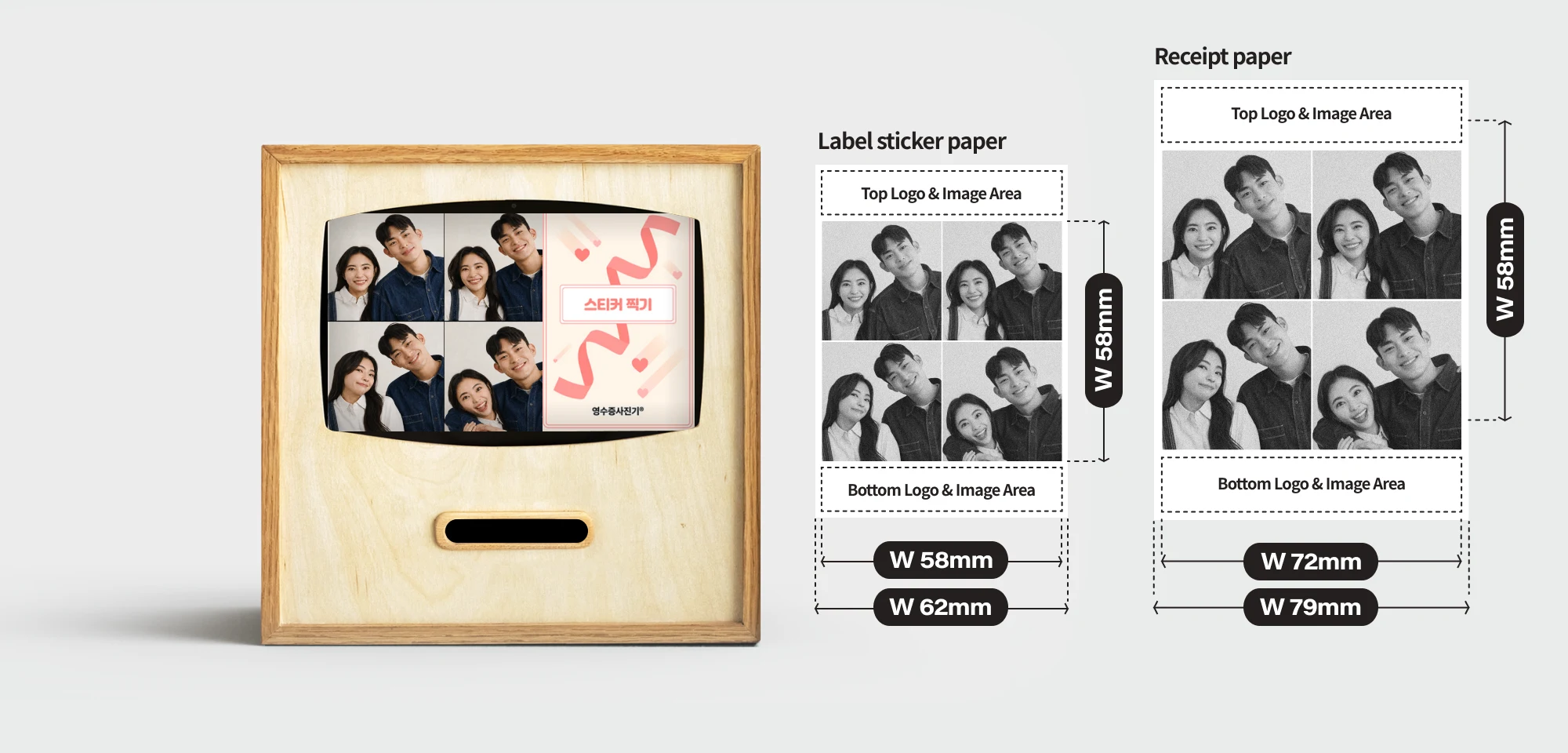
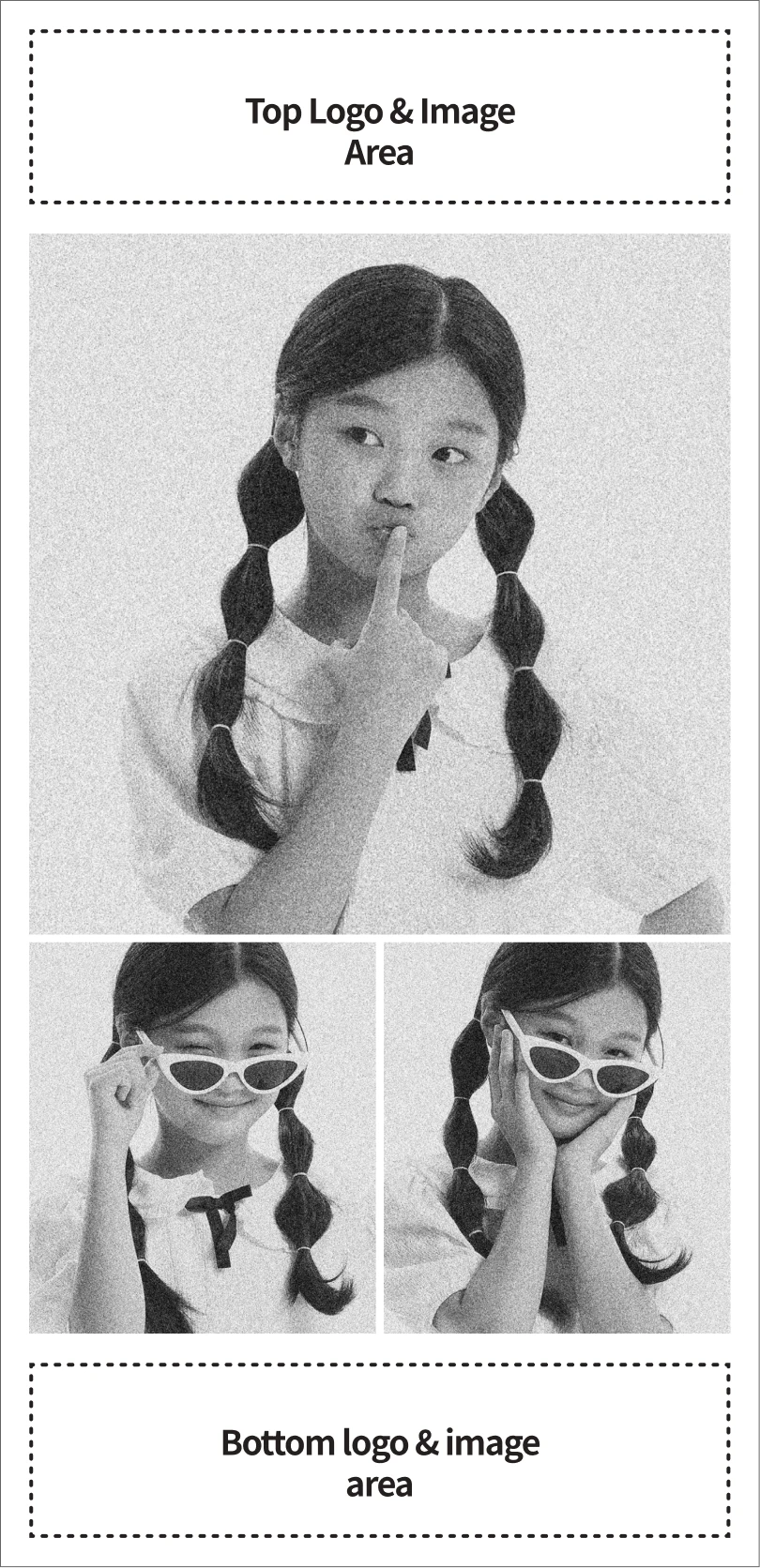
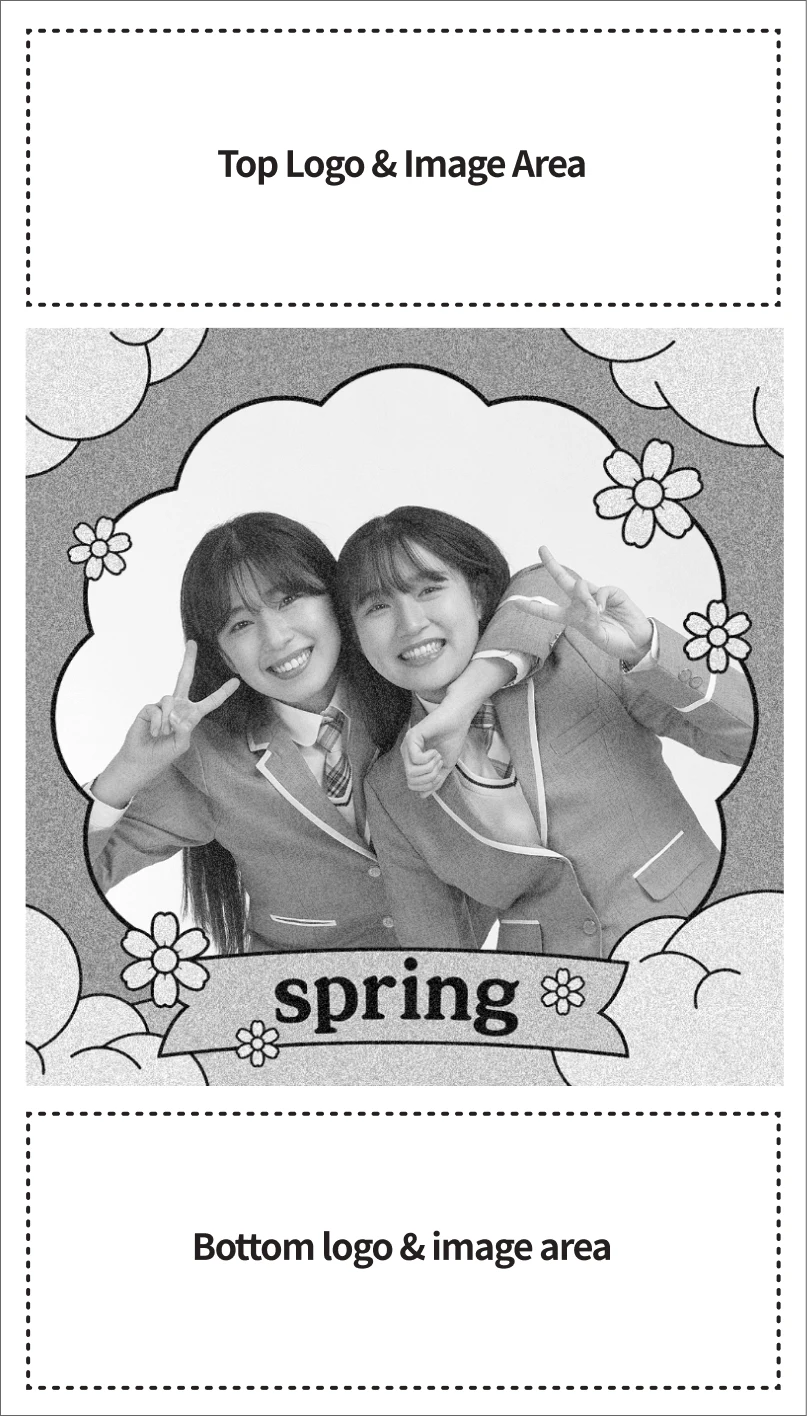
GRID capture mode example
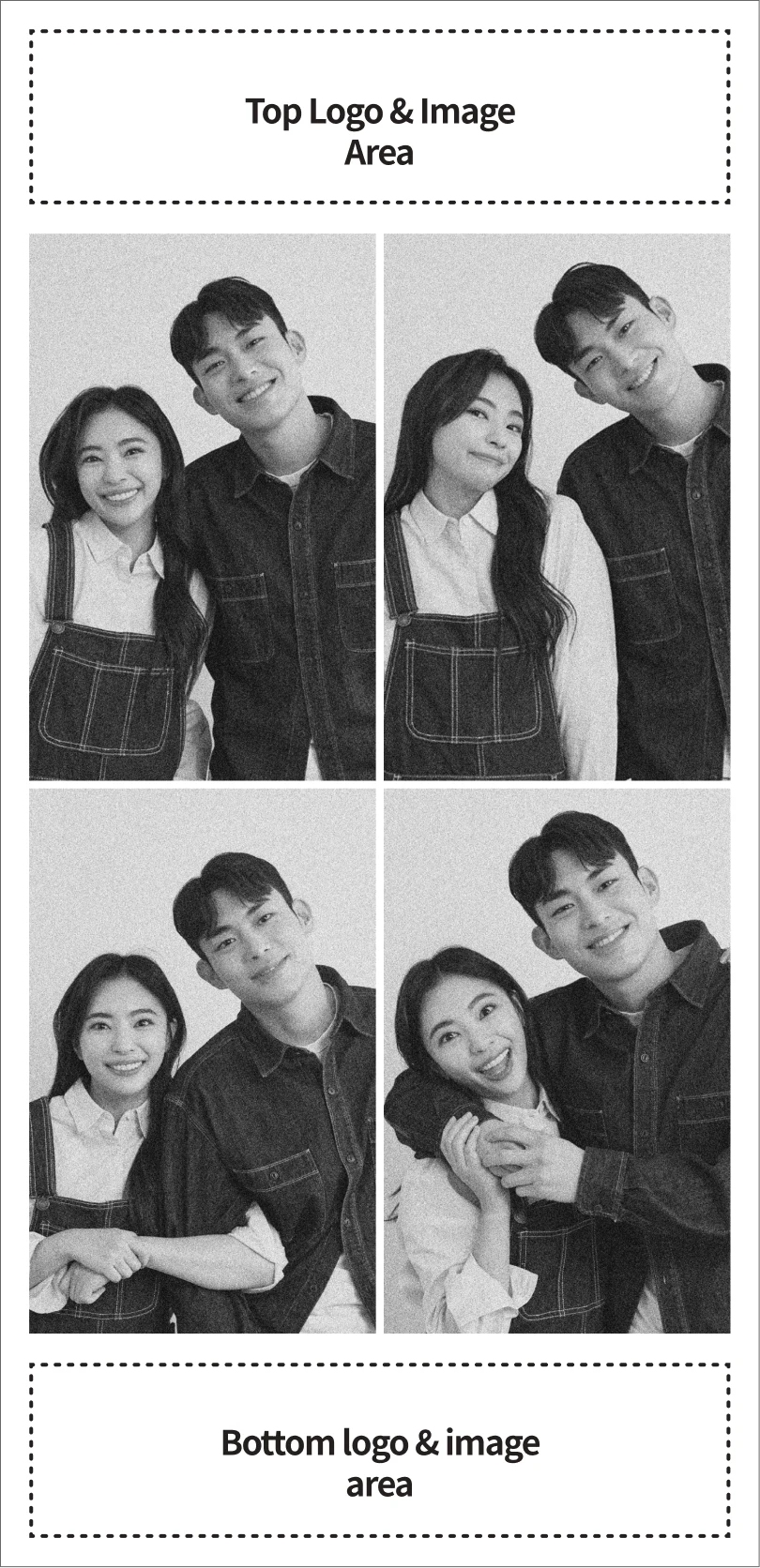
1:1 ratio, 4-way split
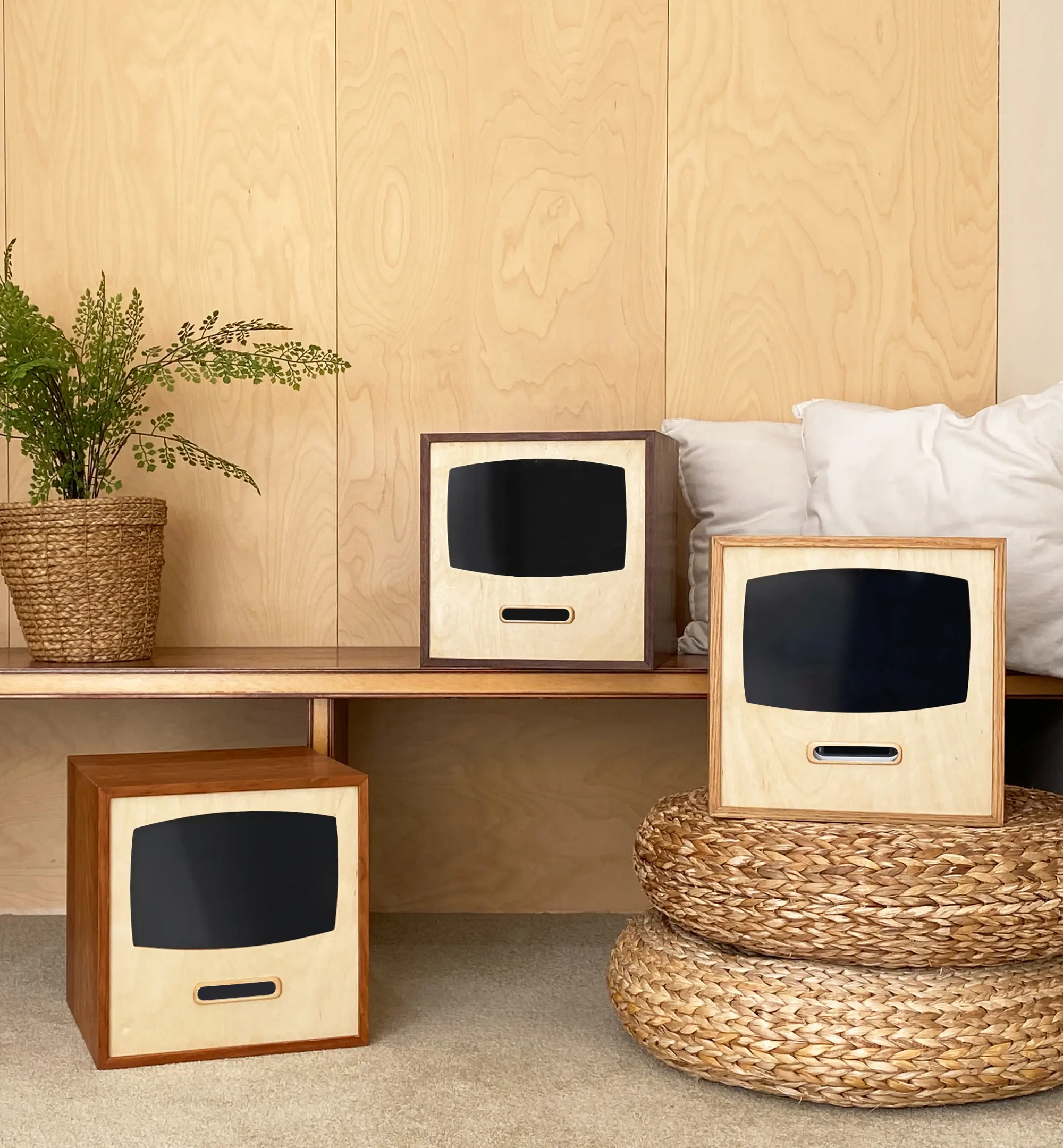
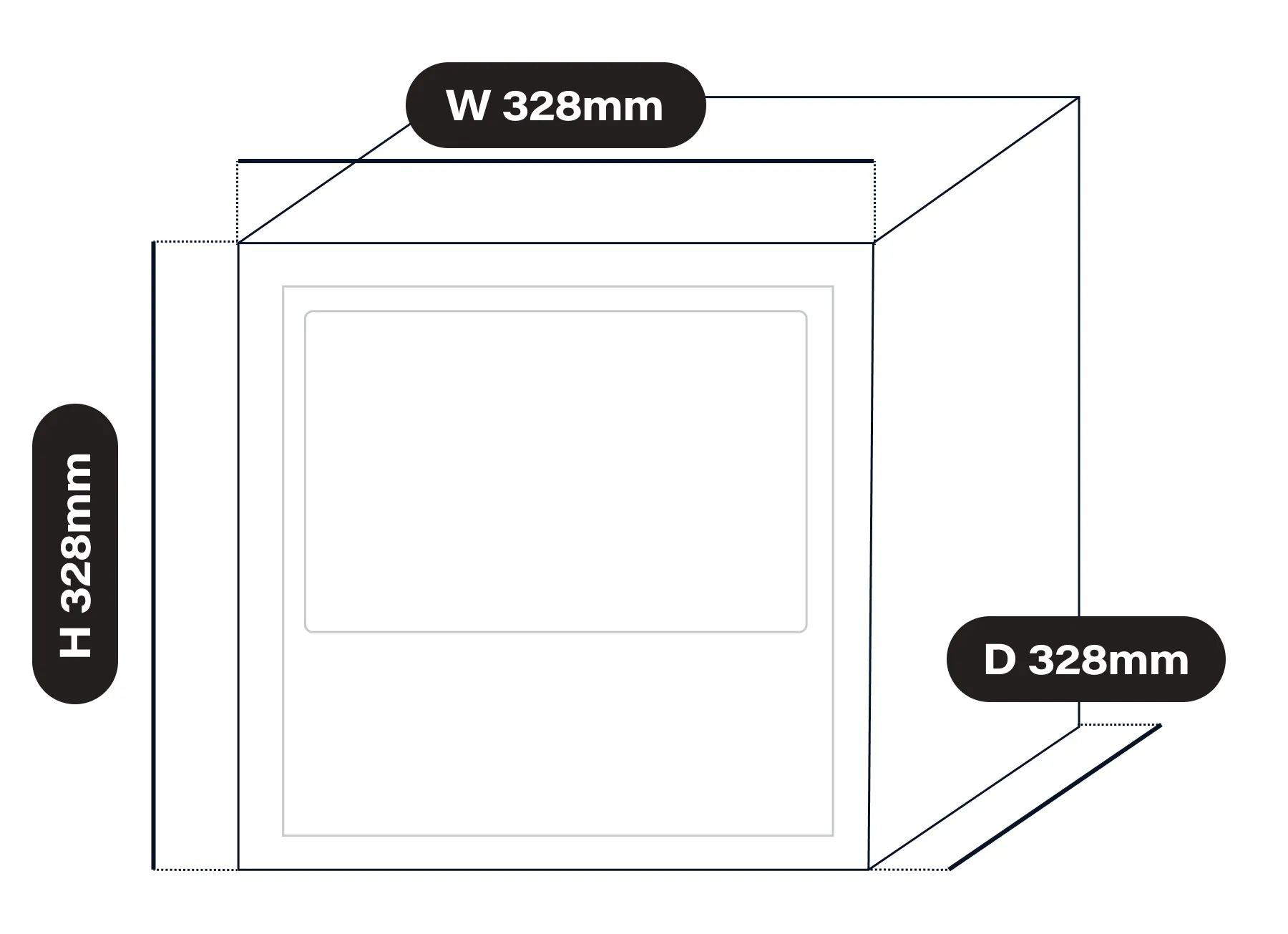
Wide-ranging customization in a W328 × D328 × H328 mm body
RECEIPT CAMERA® PRO+ HYBRID
RECEIPT CAMERA® PRO+ HYBRID is a compact photo booth that packs an 11-inch tablet and a 300 dpi label printer, printing on label sticker paper. With the optional receipt-printing system, it can switch to receipt output. Make the photo booth your own with the dedicated ‘RECEIPT CAMERA+’ app.
- Configuration
- 11-inch tablet (Samsung) + 300 dpi label printer (Brother)
- Size
- W328 x D328 x H328 (mm)
- Color
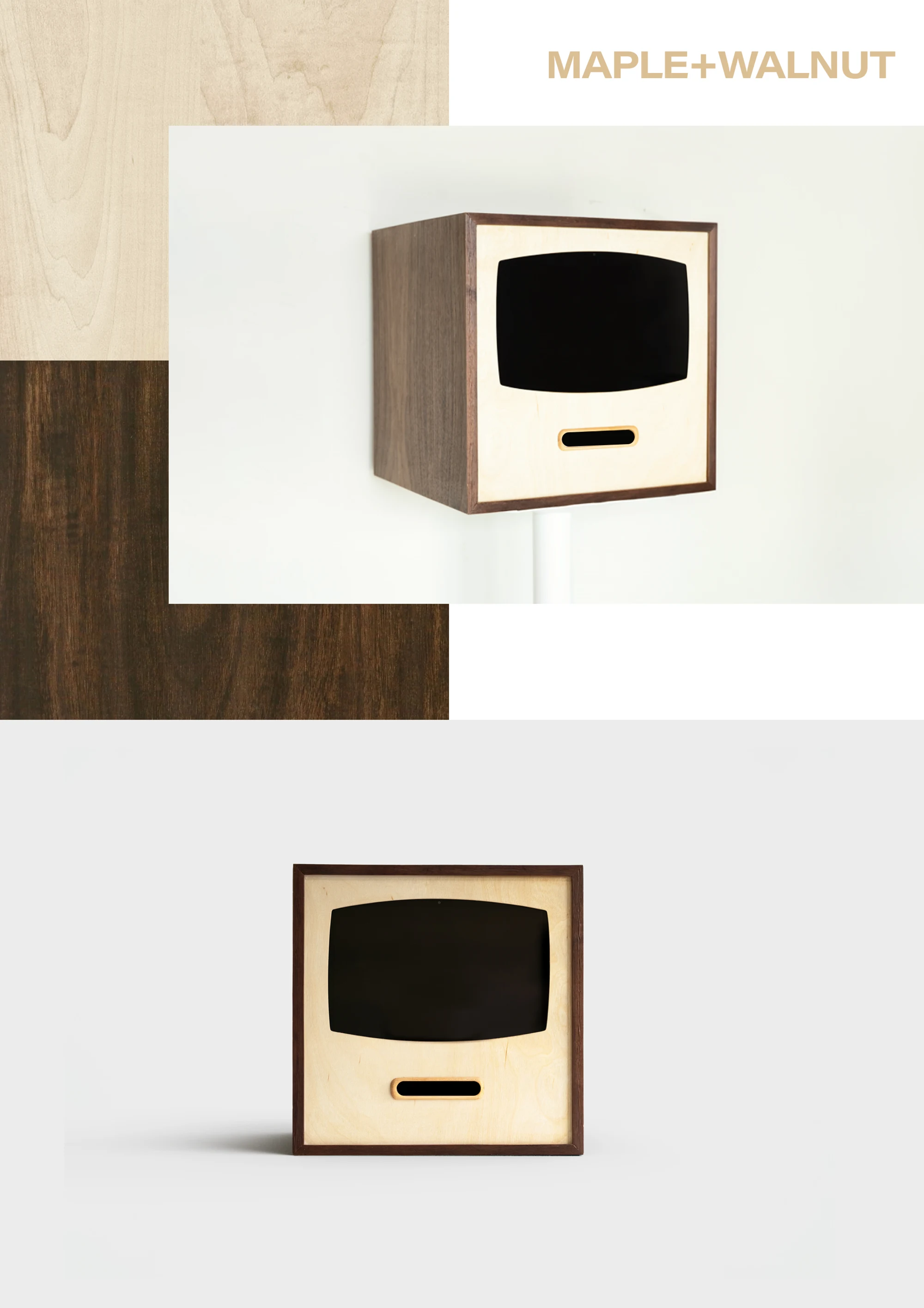
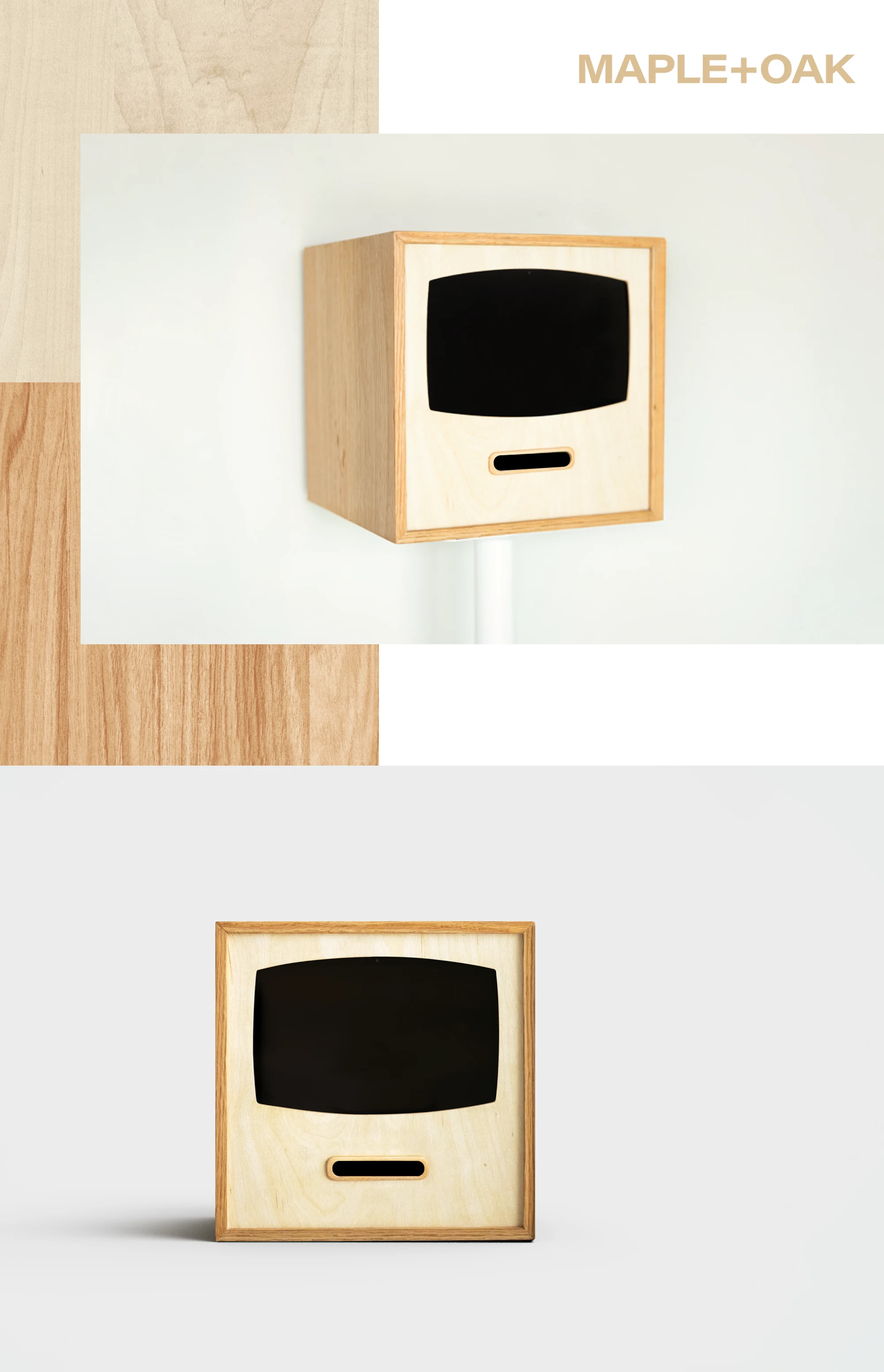
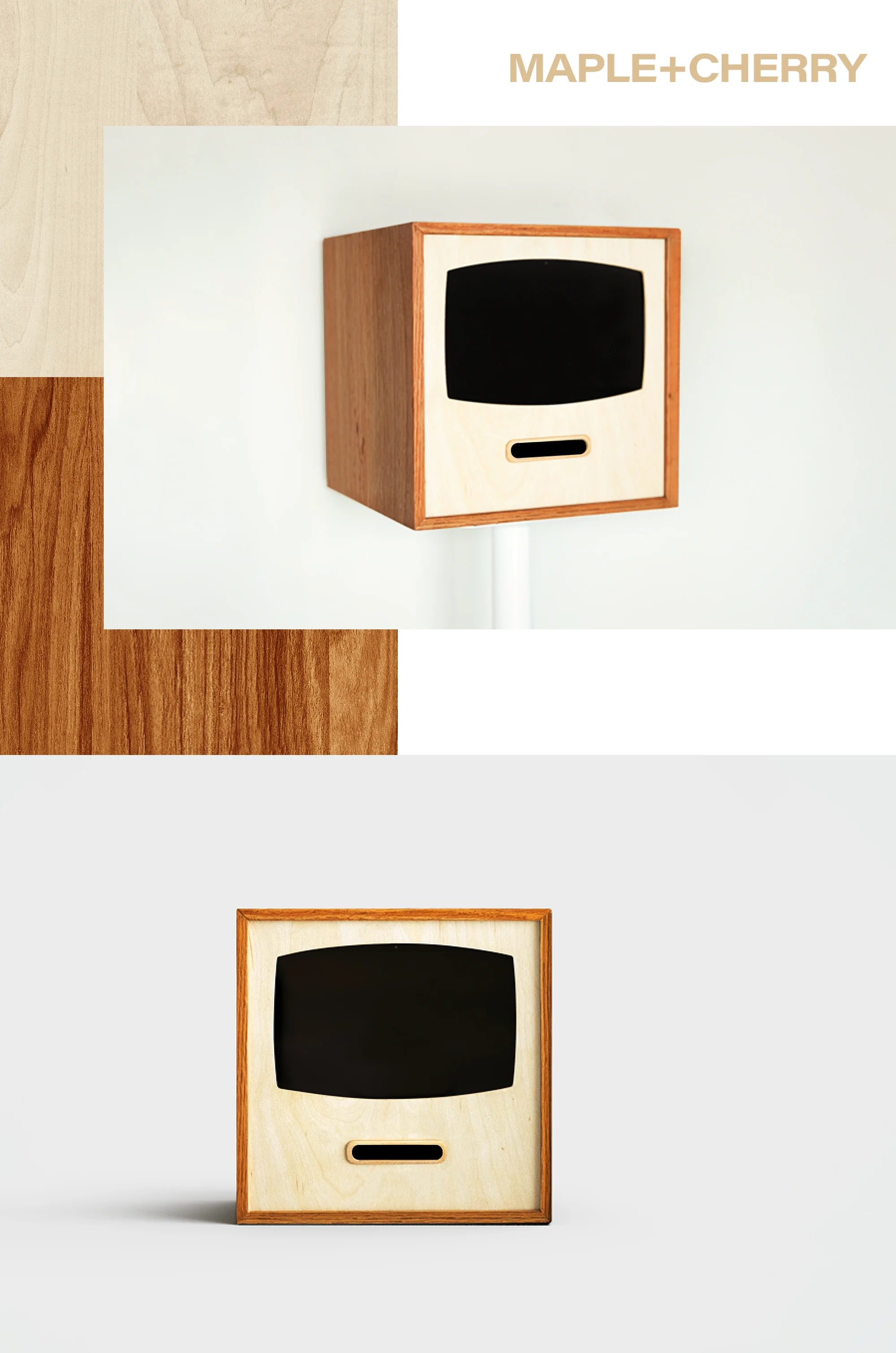
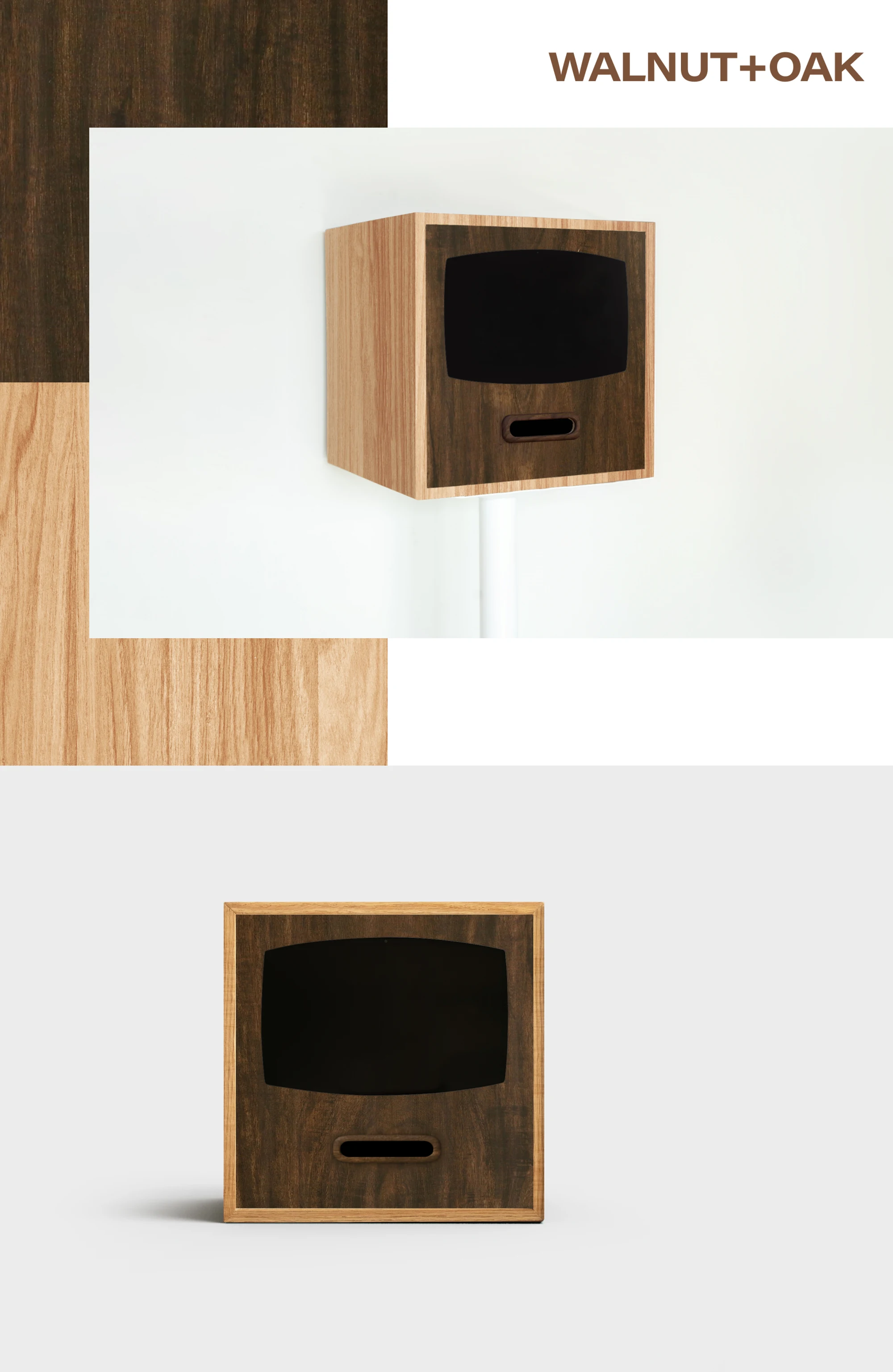
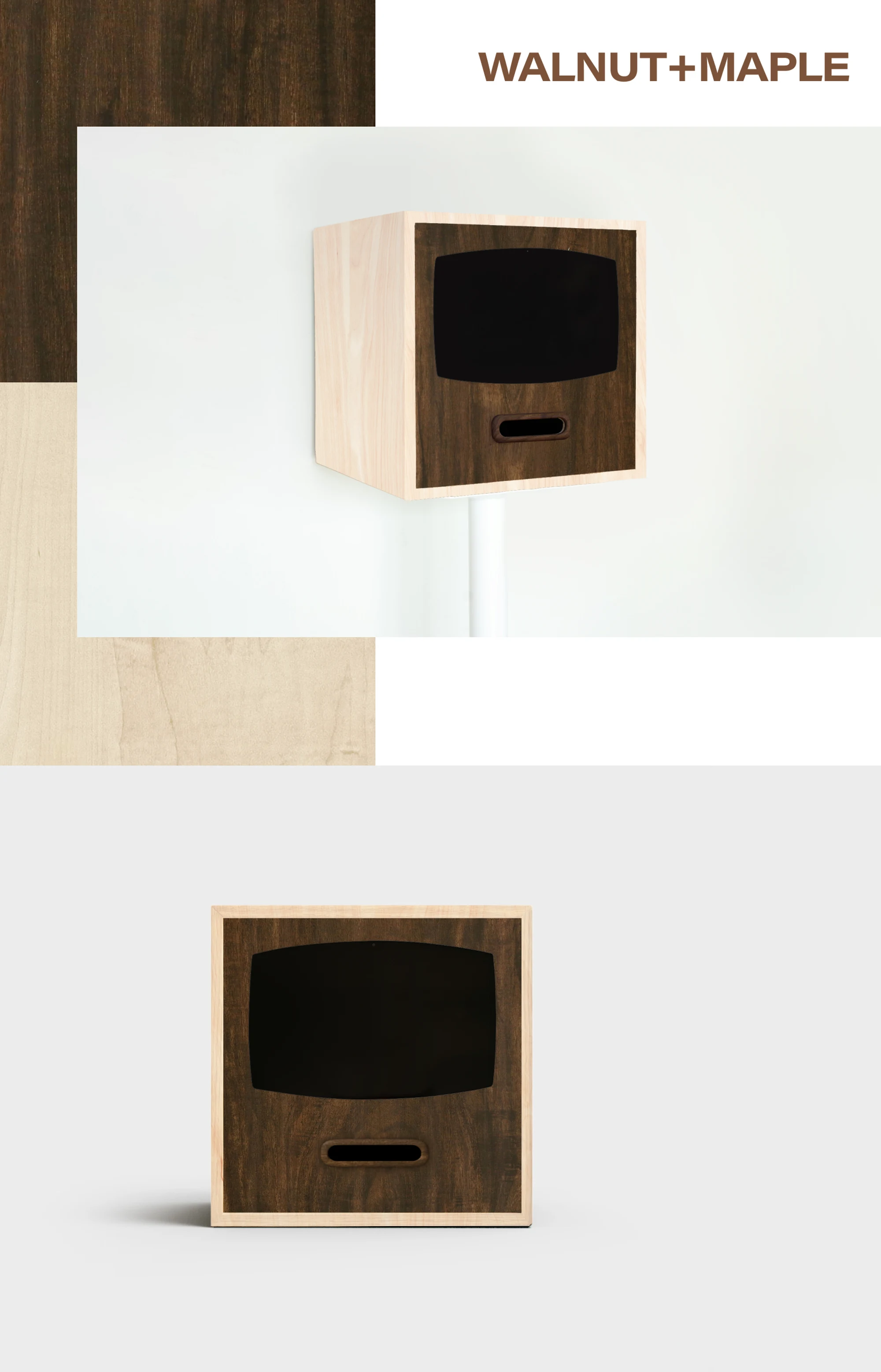
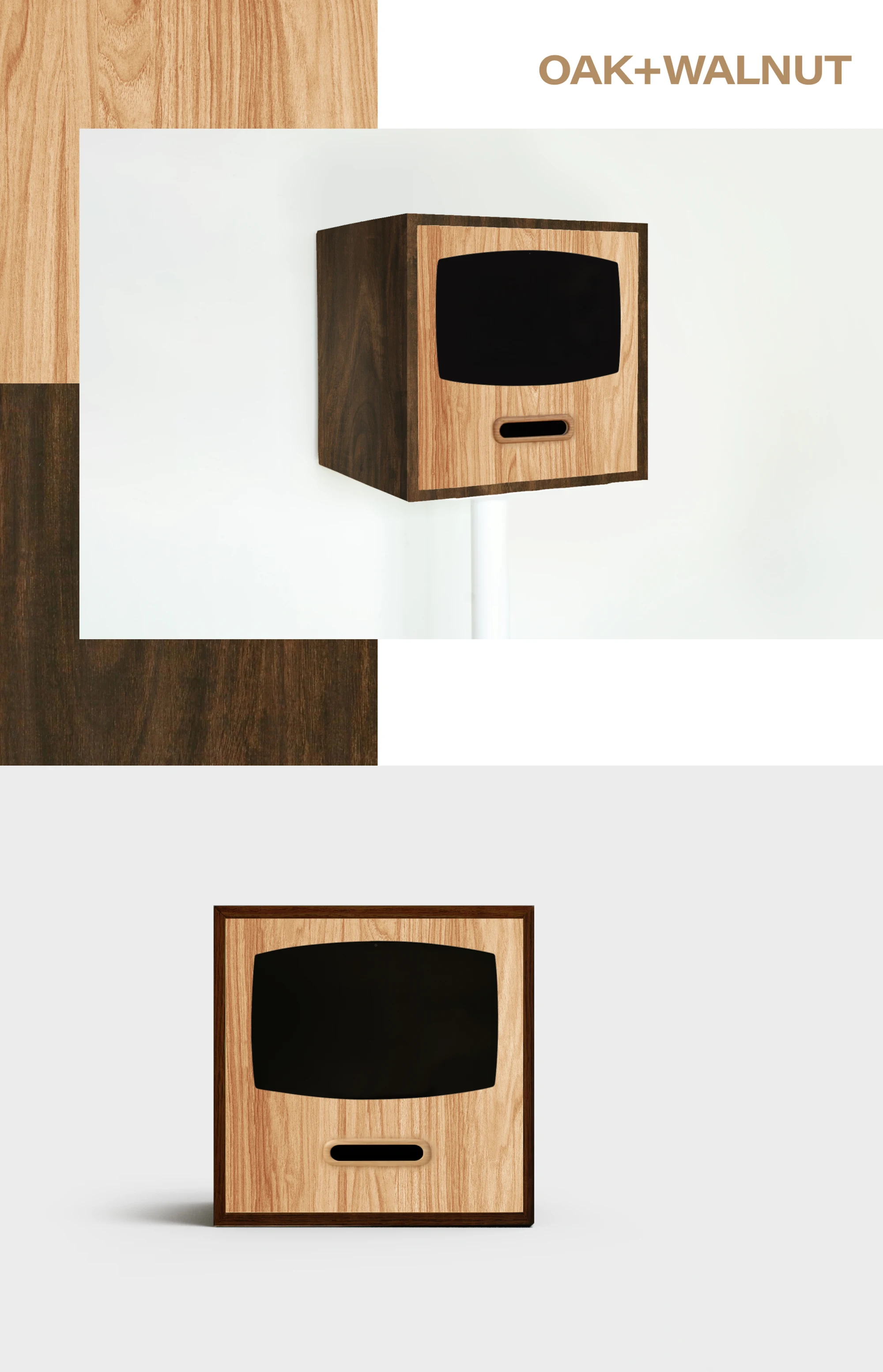
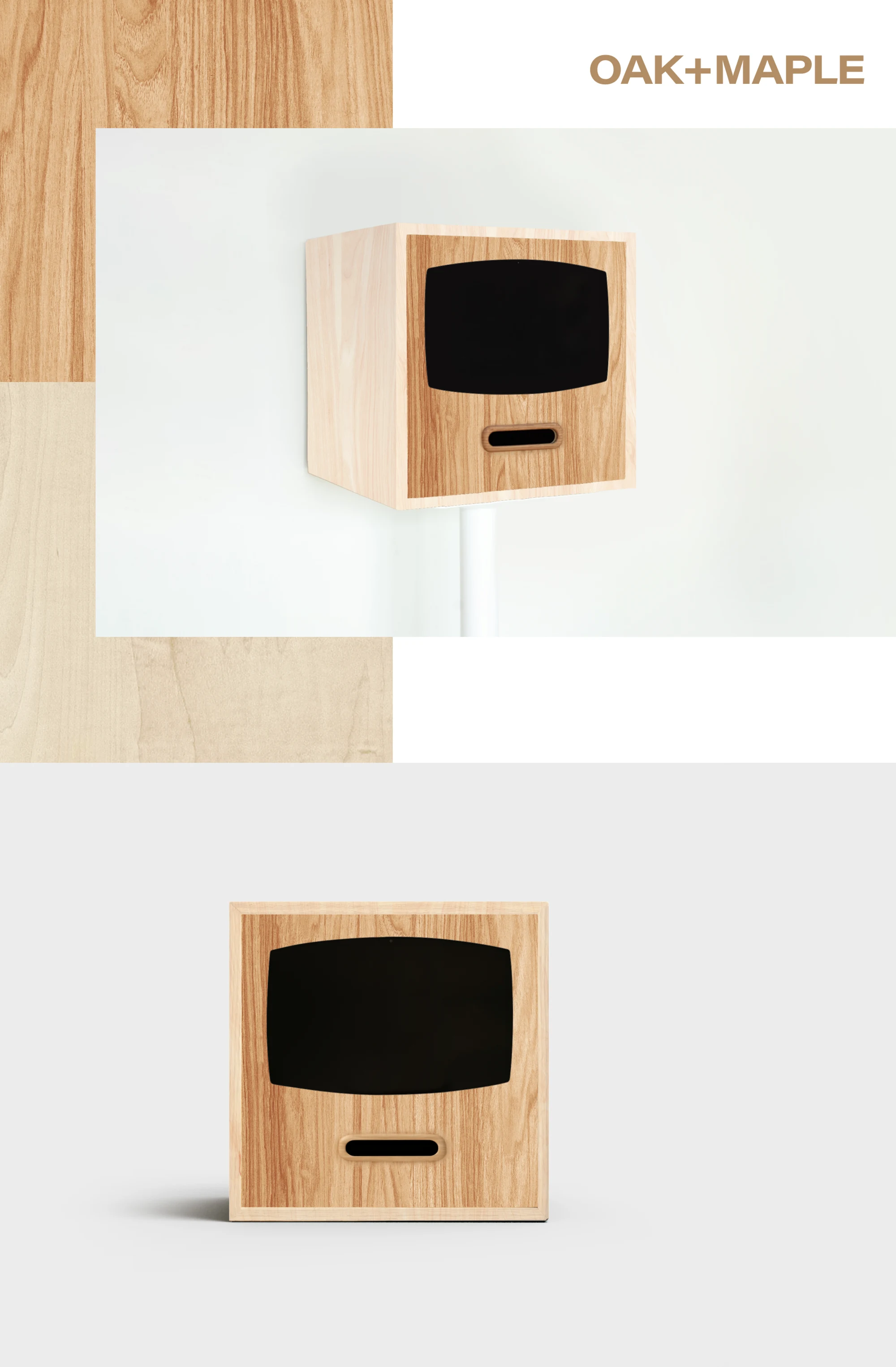
- Walnut, Oak, Maple, Cherry two-tone selection (front + side)
- Paper
- Label sticker paper, receipt paper (option)
Four capture modes, built in
RECEIPT CAMERA® PRO+ HYBRID comes with all four capture modes. Label-sticker printing is included as standard. With the optional receipt-printing system, you can switch between label-sticker and receipt output to suit how you operate.
-
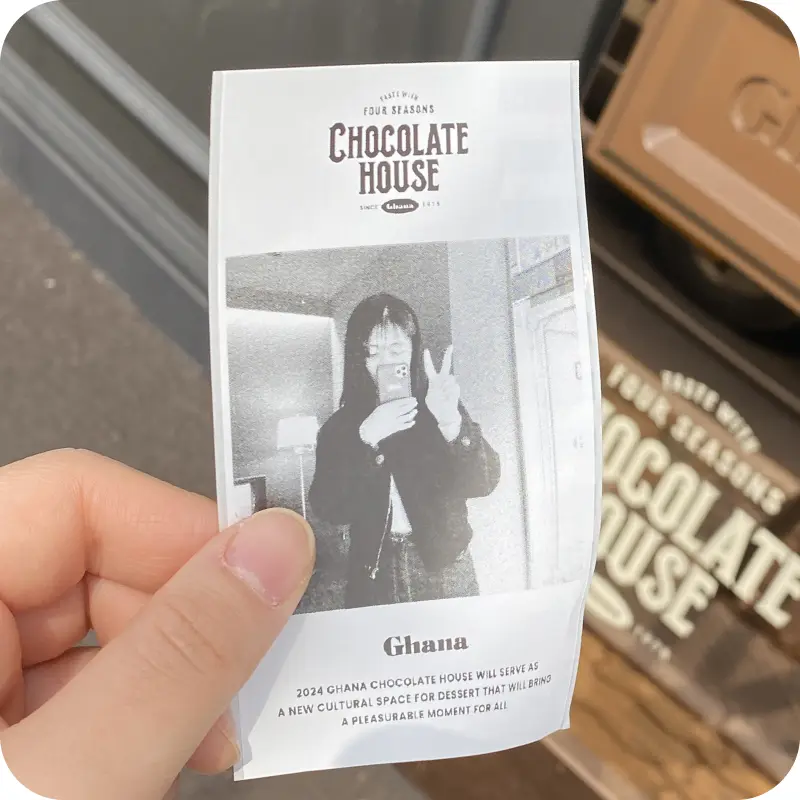 ONE
ONE -
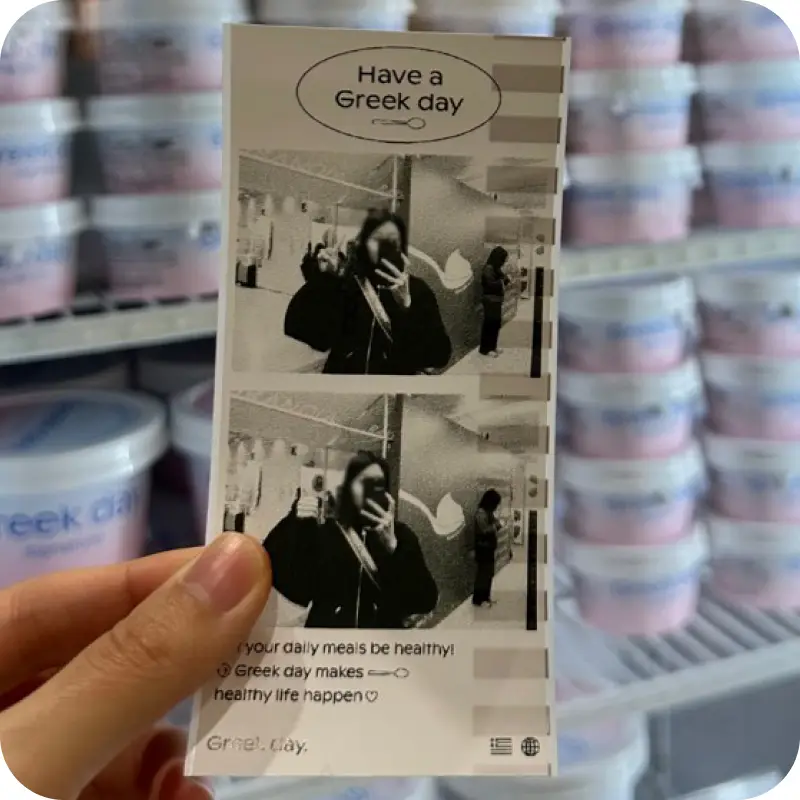 MORE
MORE -
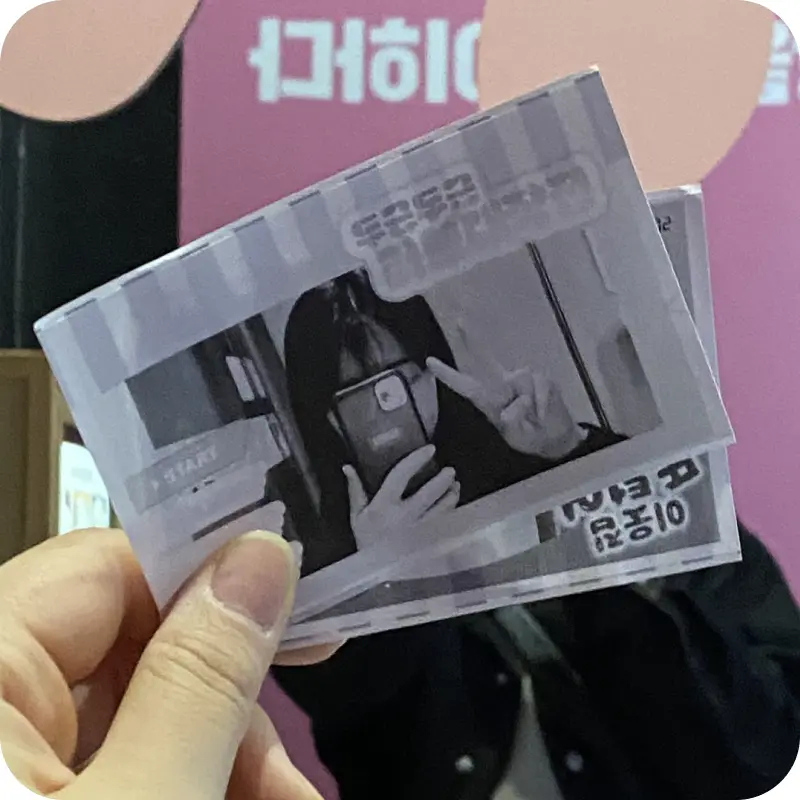 FRAME
FRAME -
 GRID
GRID
RECEIPT CAMERA® PRO+ System
Professional-grade features in a handcrafted wooden housing
| RECEIPT CAMERA PRO+ HYBRID | ||
|---|---|---|
| Price | | |
| Companion app | RECEIPT CAMERA+ | |
| Capture and printing | ONE capture mode included 14 portrait and landscape capture ratios Countdown timer, typeface and text size settings Camera color filters plus exposure, ISO, white balance and zoom Search and connect supported printers | |
| Logo / text / frame setup | Insert images above and below the photo, with multi-image sets Add text above and below the photo, with multi-text sets Print probability settings for each image and each text Margin and memo space settings Wide mode that prints landscape photos large Master margin control that adjusts every margin at once Full customization of the capture screen skin and shutter button Change the shutter sound or use a sound you recorded yourself QR code generation and URL linking | |
| PRO extras | MORE | FRAME | GRID capture modes added IMAGE mode (print preset images without taking a photo) Rear camera selectable Beauty and comic retouch filters supported | |
| Extra hardware option | Receipt paper system + USD 299 | |
An amusement objet for stores, pop-ups and events
A special kind of fun for department stores, pop-up stores, cafes and exhibition halls

The new companion app, RECEIPT CAMERA+
Seven years of RECEIPT CAMERA know-how, gathered into a single app
Built on customer feedback and years of real operating experience, this is the dedicated, unified RECEIPT CAMERA® application.
PRO Four capture modes supported(ONE | MORE | FRAME | GRID)
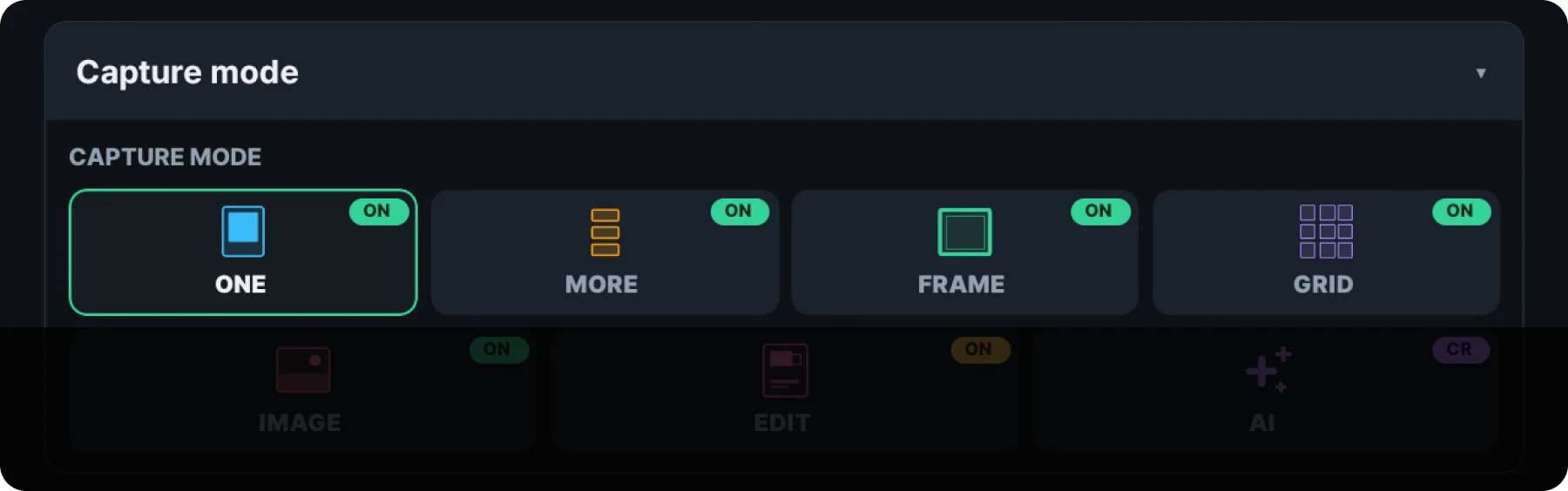
ONE, MORE, FRAME and GRID, the signature capture modes of RECEIPT CAMERA, are all included as standard. MORE mode shoots up to four frames in a row, and GRID mode prints up to nine panels in one photo. FRAME mode includes 90 frames in total, designed for the 1:1 and 16:10 ratios. The app offers 14 capture-ratio options, including 13 fixed ratios and a screen-fit option. Wide mode lets you print landscape shots in a wider format.
PRO Print instantly with no shooting, IMAGE mode supported
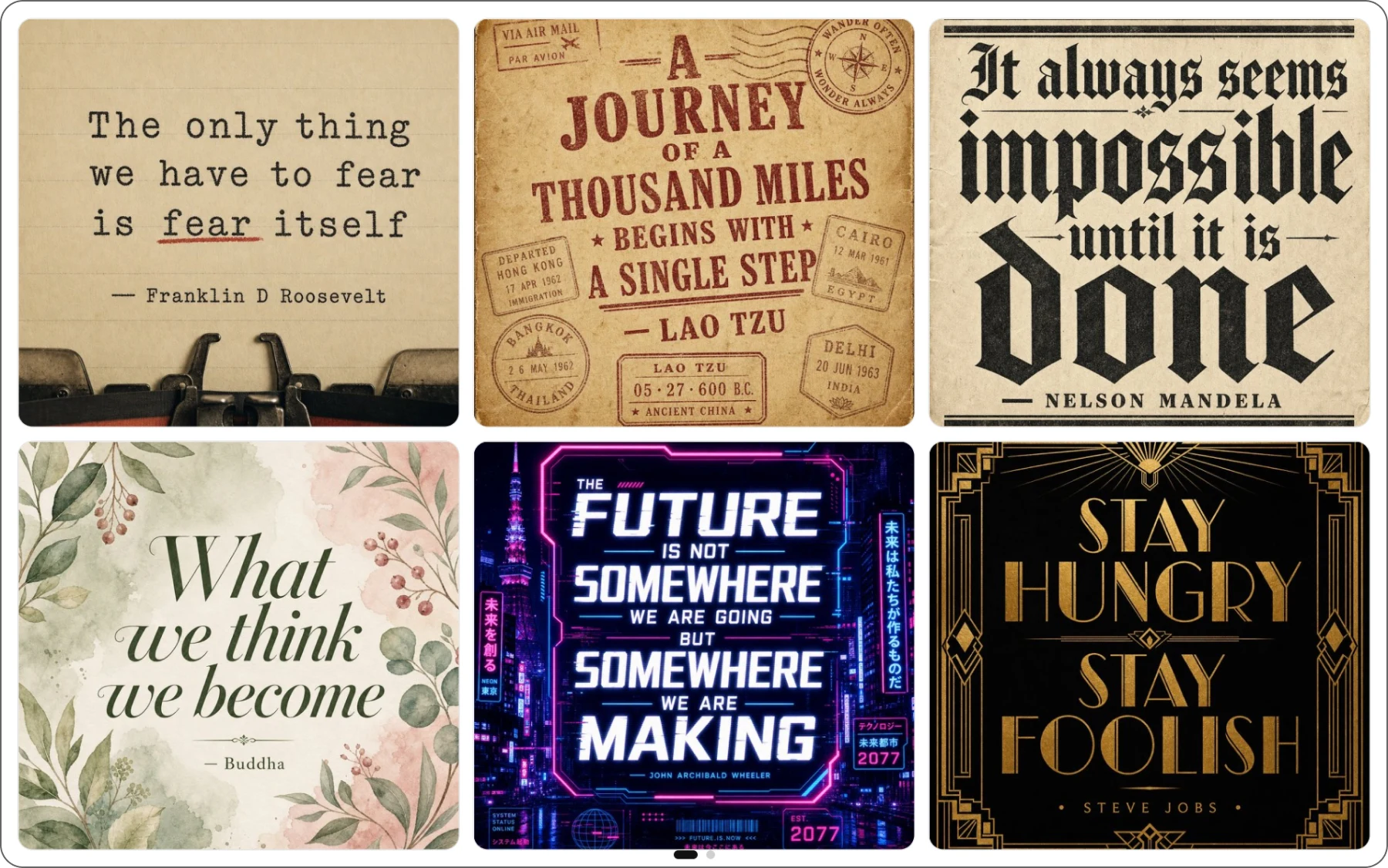
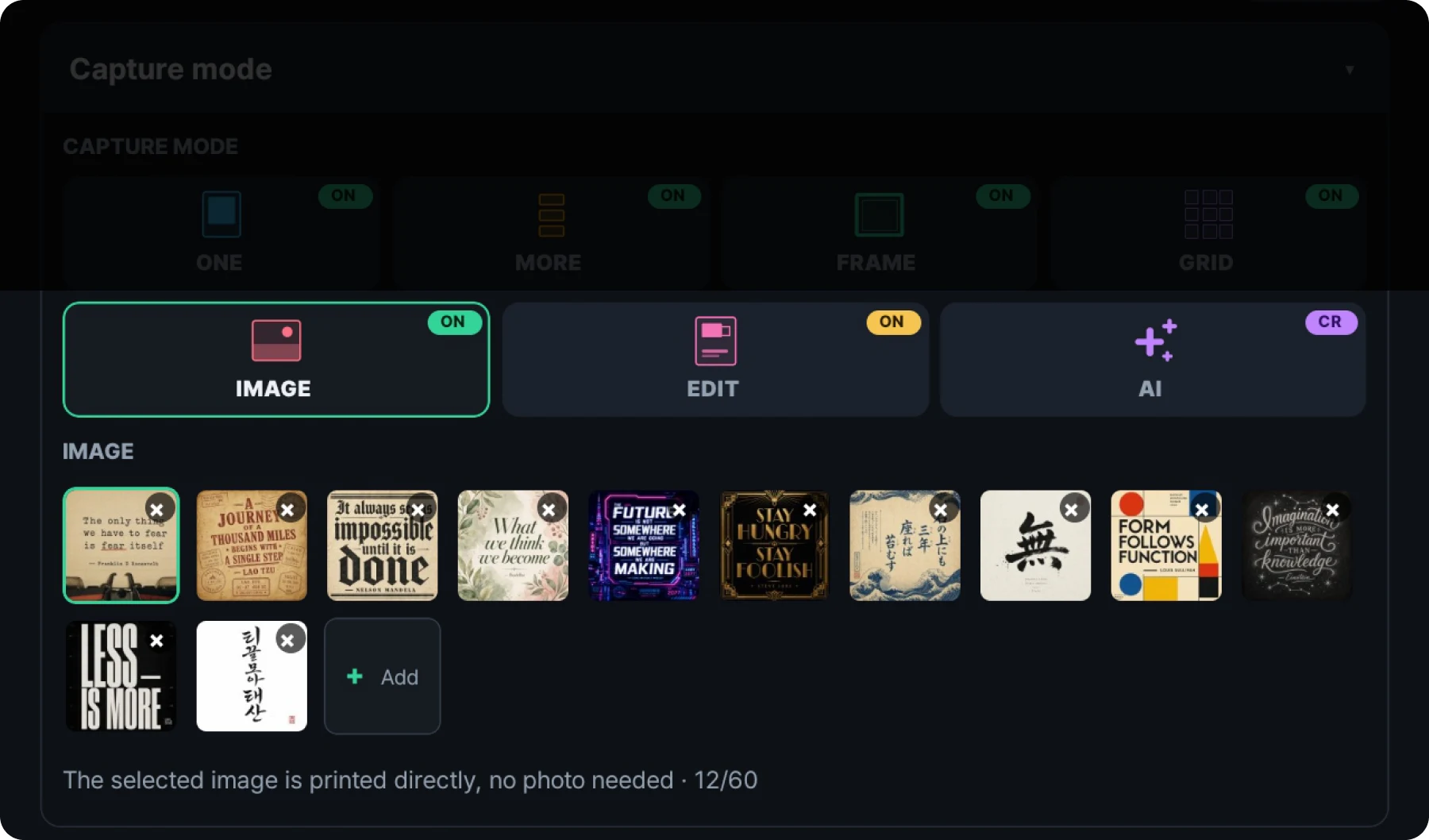
IMAGE mode lets users select and print a preloaded image without taking a photo. You can register multiple images for events, promotions and exhibitions.
PRO Beauty and comic retouch filters supported
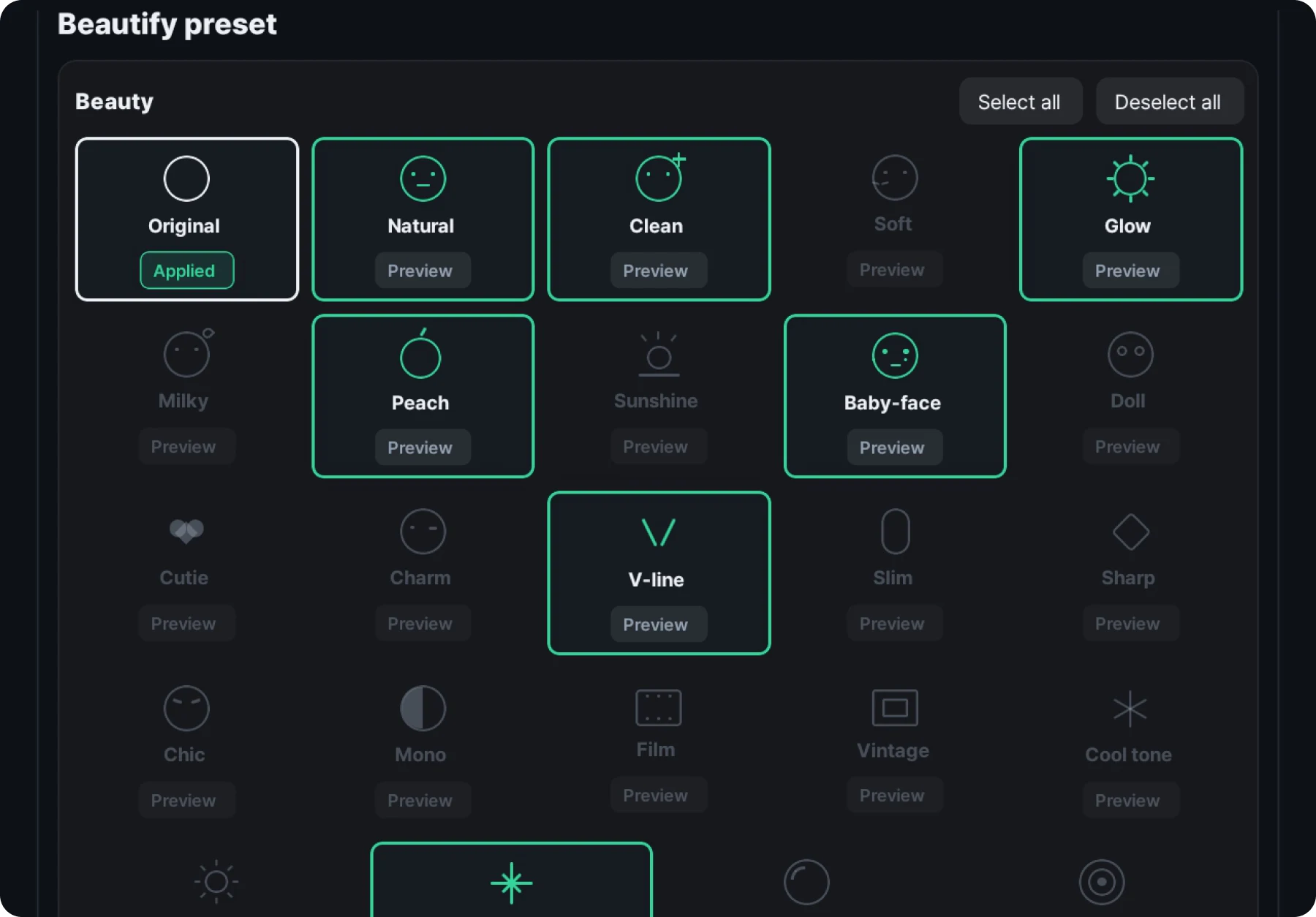
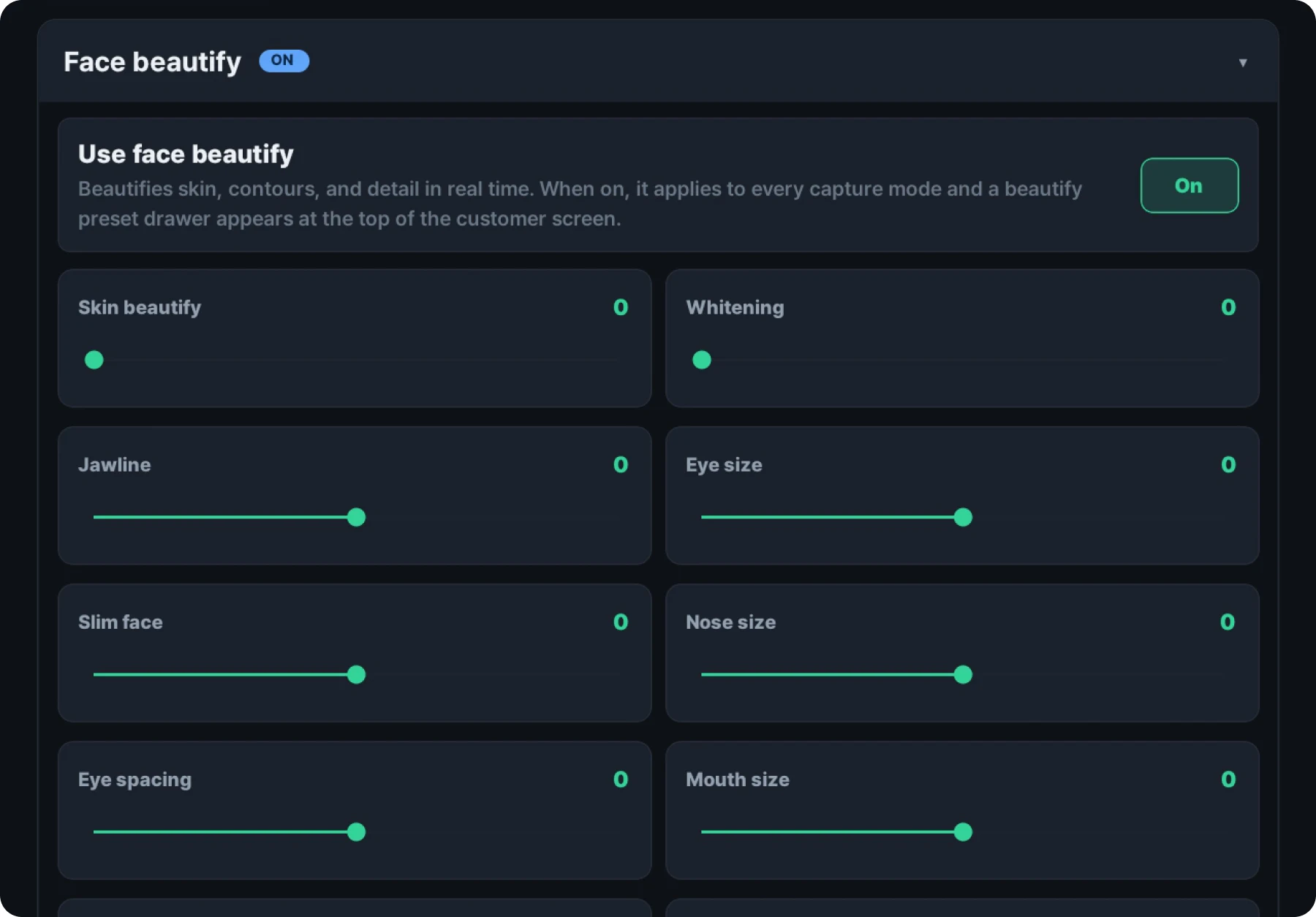
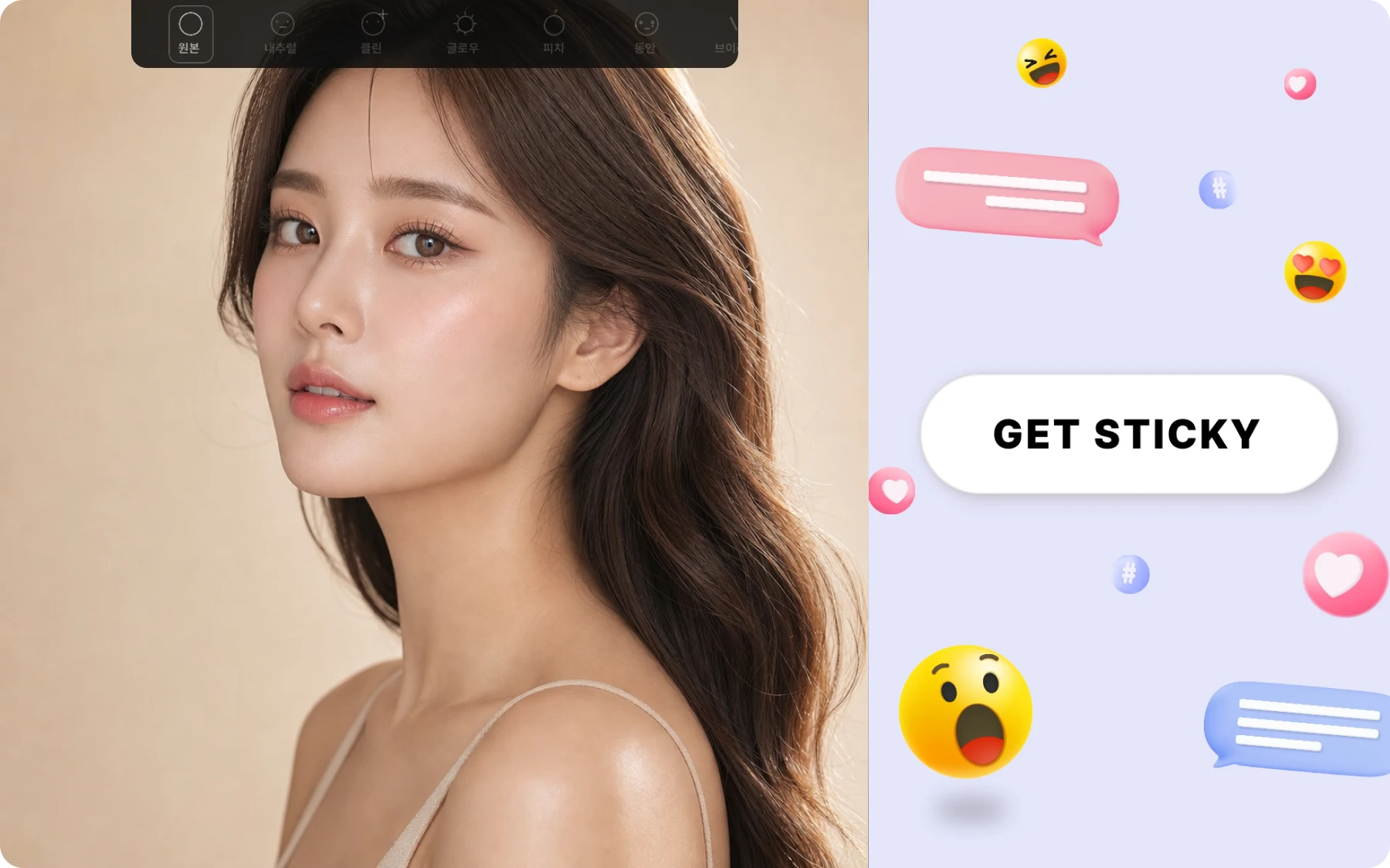
Professional facial contour retouching now comes to RECEIPT CAMERA. Face shape and expression can be retouched in real time on the capture screen, for a more natural and more playful shooting experience. 48 retouch presets built from beauty and comic effects come as standard, and you can fine-tune 15 detailed retouch parameters to build your own custom filter around your brand and concept.
1 Print preview built in

Preview your print layout as you adjust it. You can make test prints without switching between the settings console and the capture screen.
2 14 photo ratios to choose from
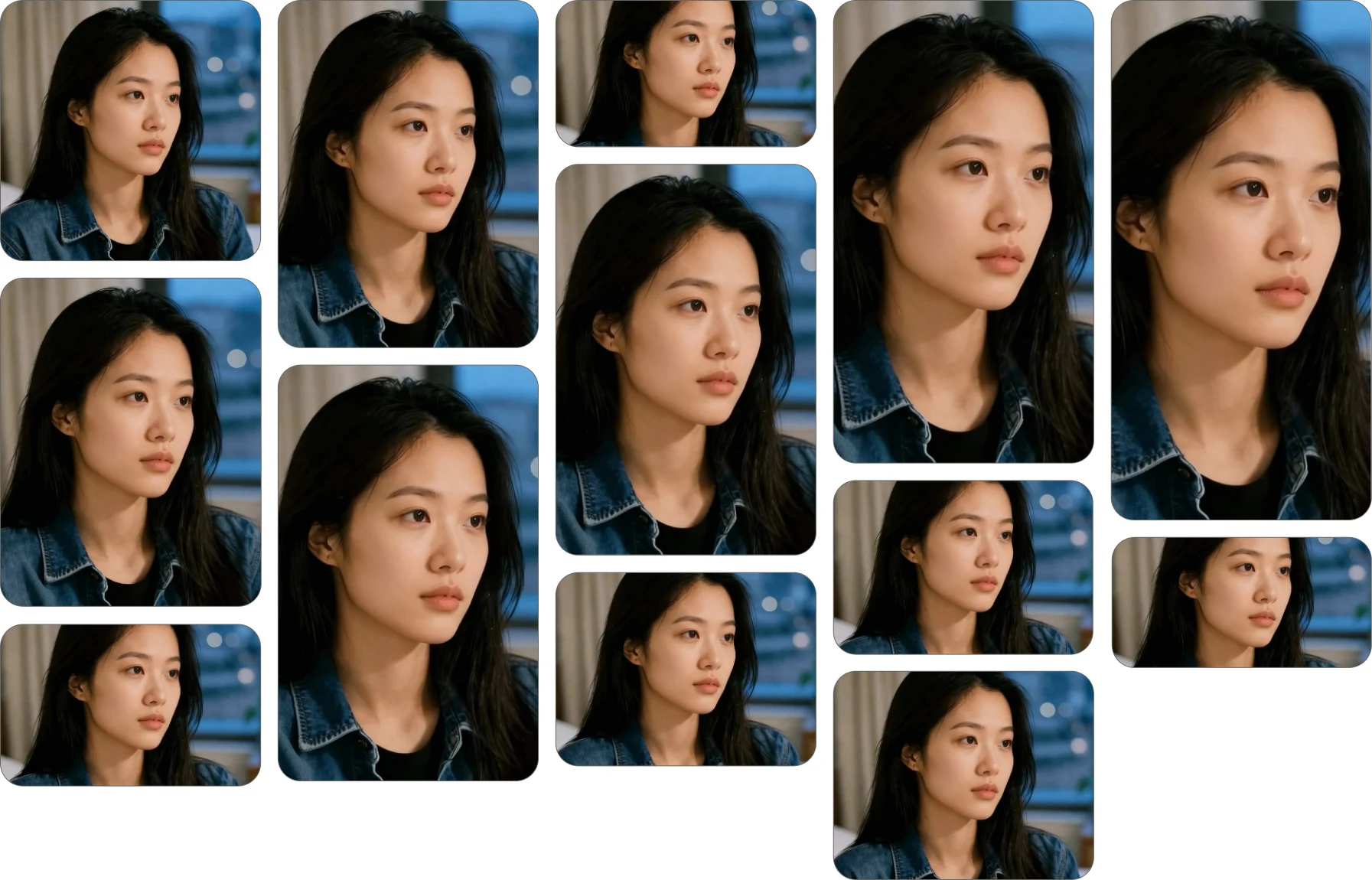
Shoot and print with 14 ratio options, including 13 fixed ratios such as 1:1 and a screen-fit option. Choose a layout that suits your brand concept, space and purpose.
3 Fast connection to supported printers
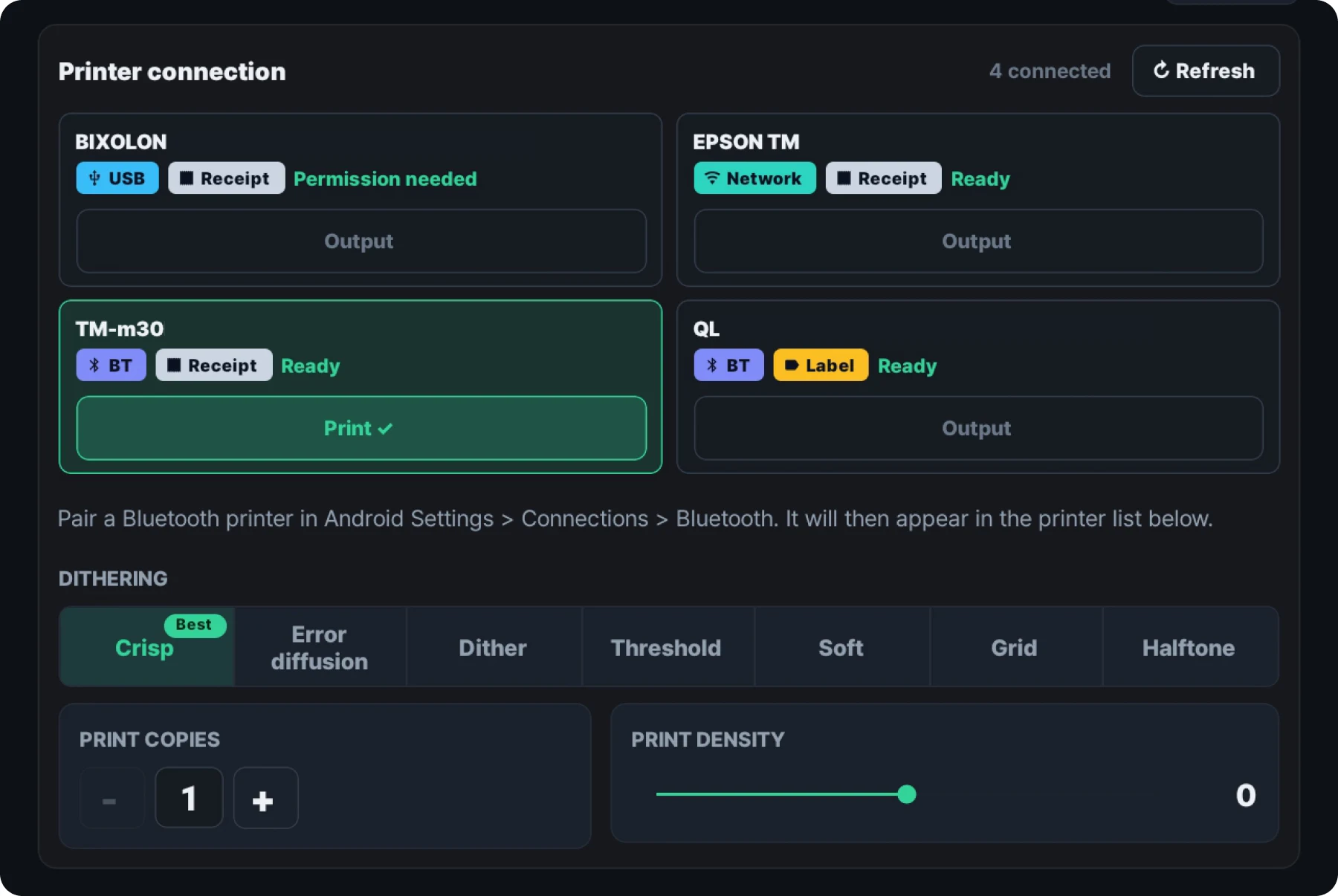
One refresh lists the supported printers available to the device. Beyond the printer built into the product, you can connect supported receipt and label printers, such as EPSON TM series receipt printers and Brother QL series label printers, by USB, Bluetooth or network. Simply select the printer you want to print with and it is ready to use. The app shows only the settings each connected printer supports, such as print density and output filters. Reprinting the same photo as many times as you need is supported too.
4 Precise camera control
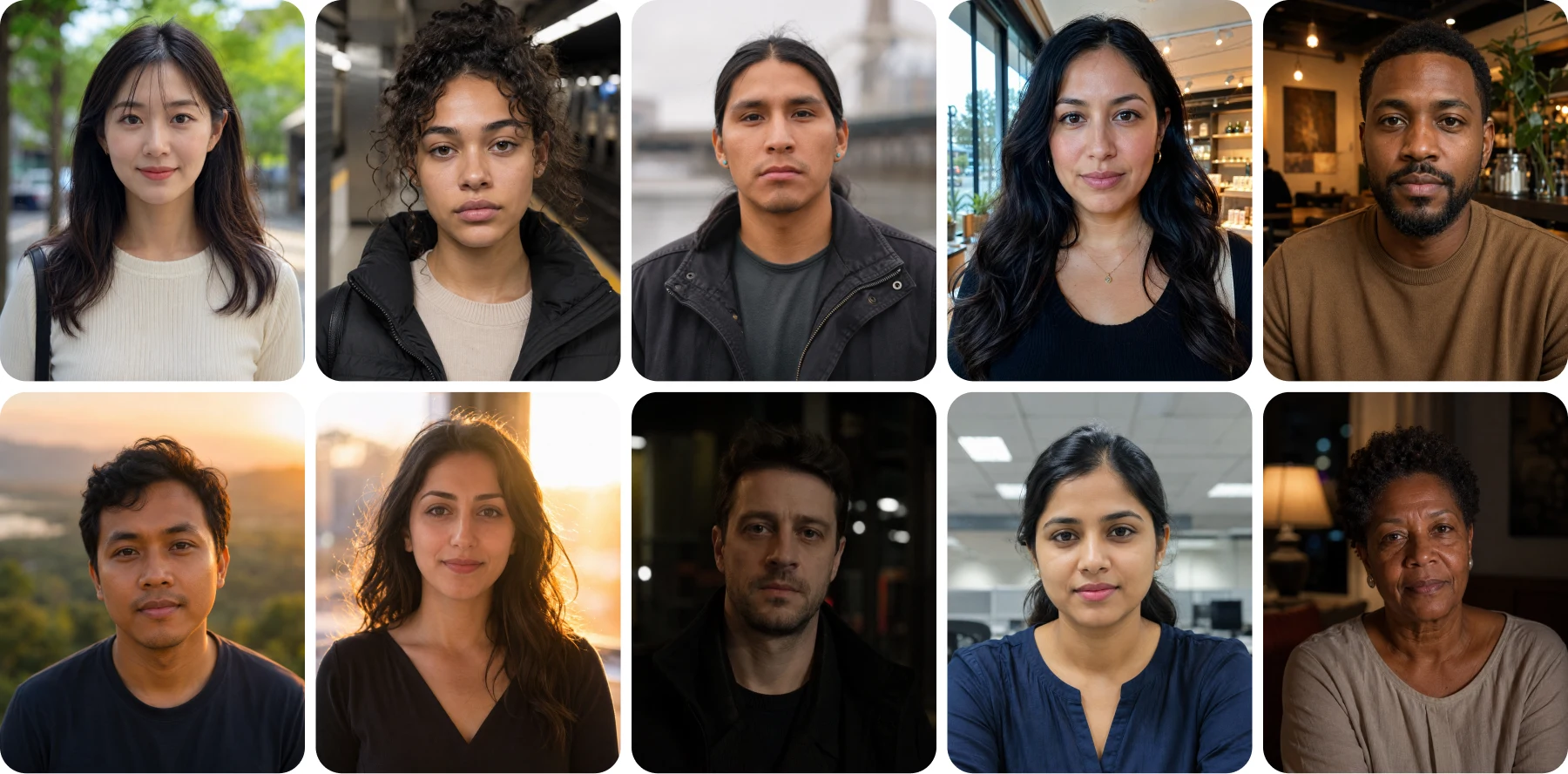
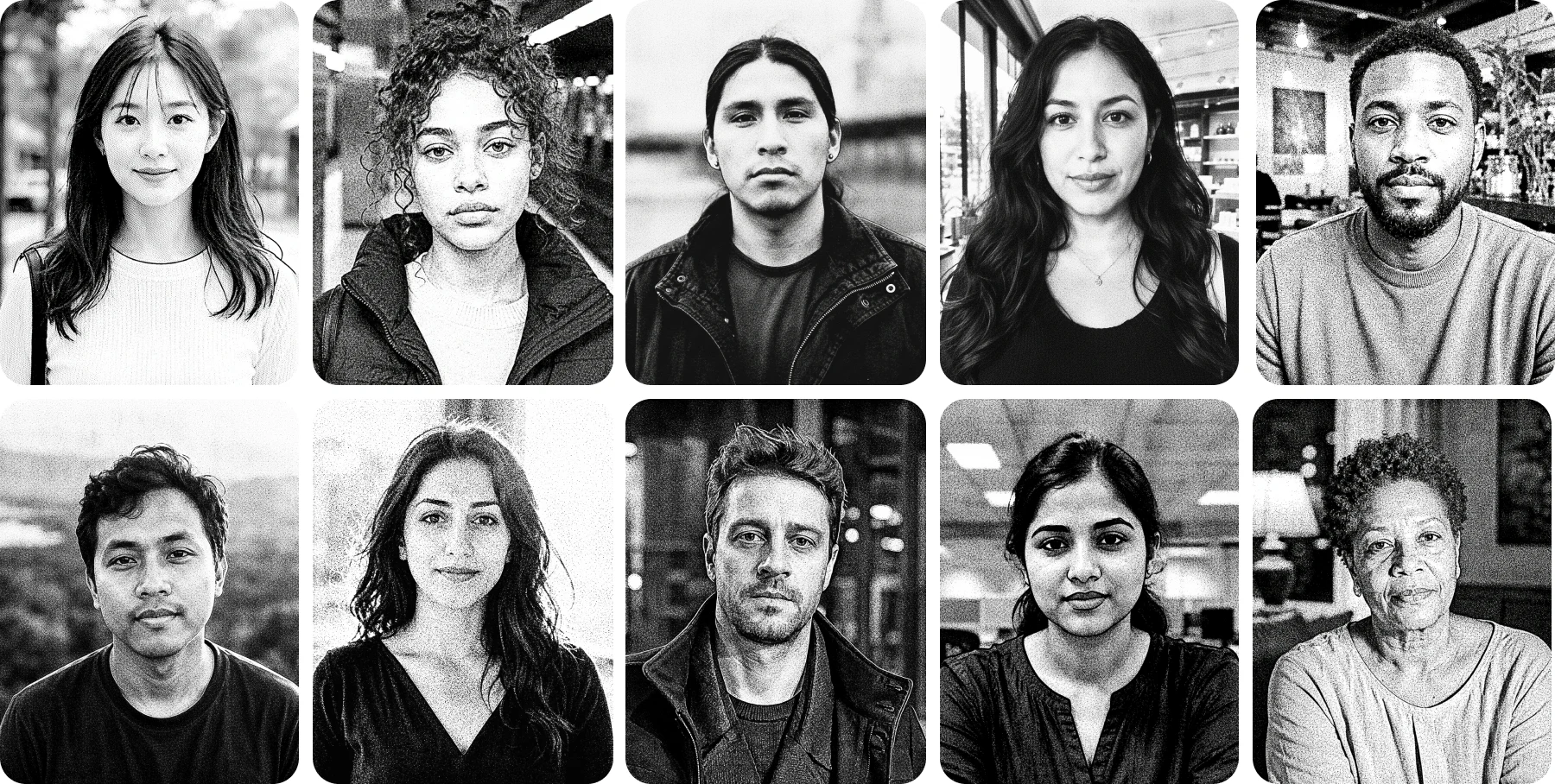
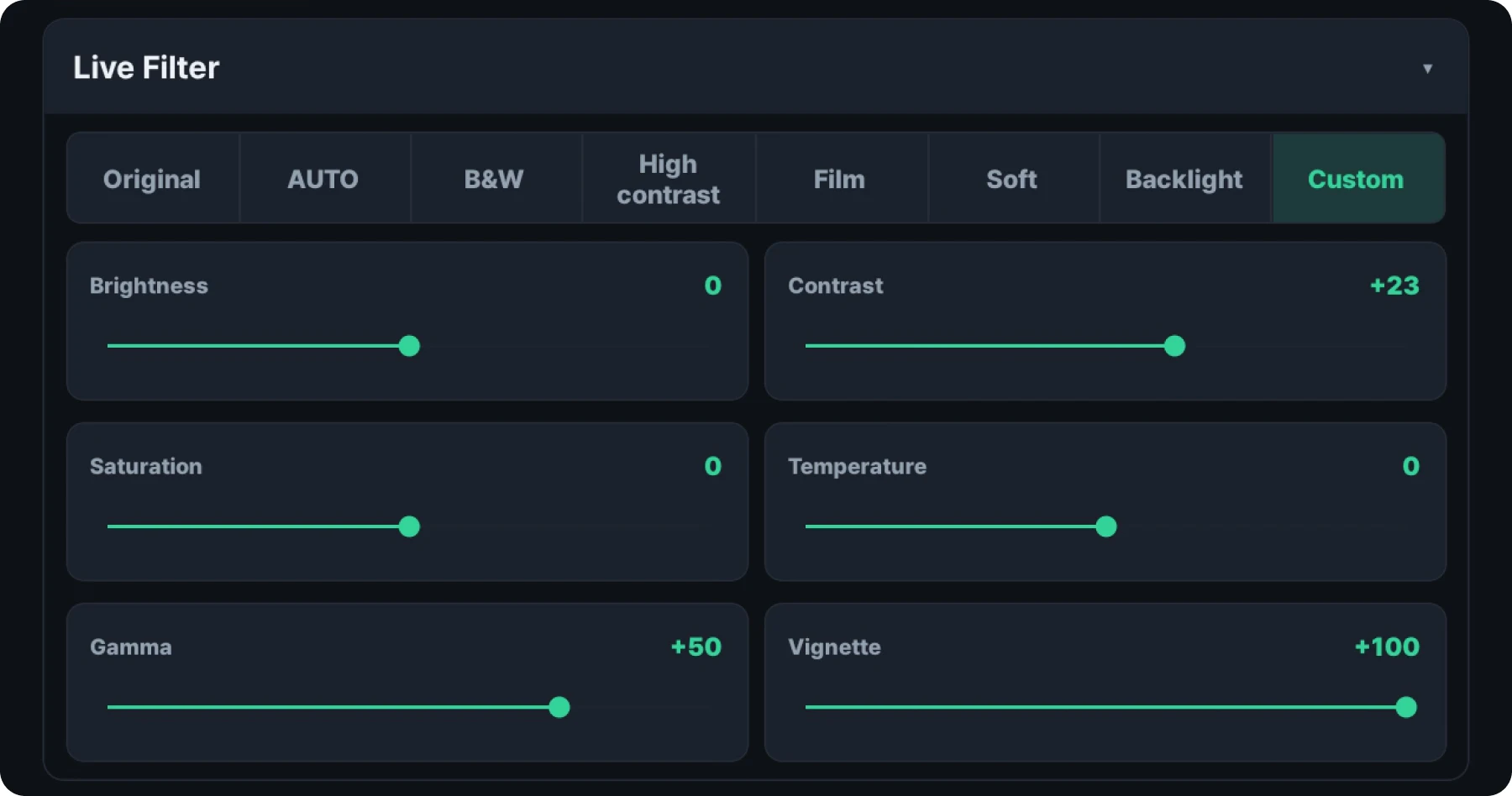
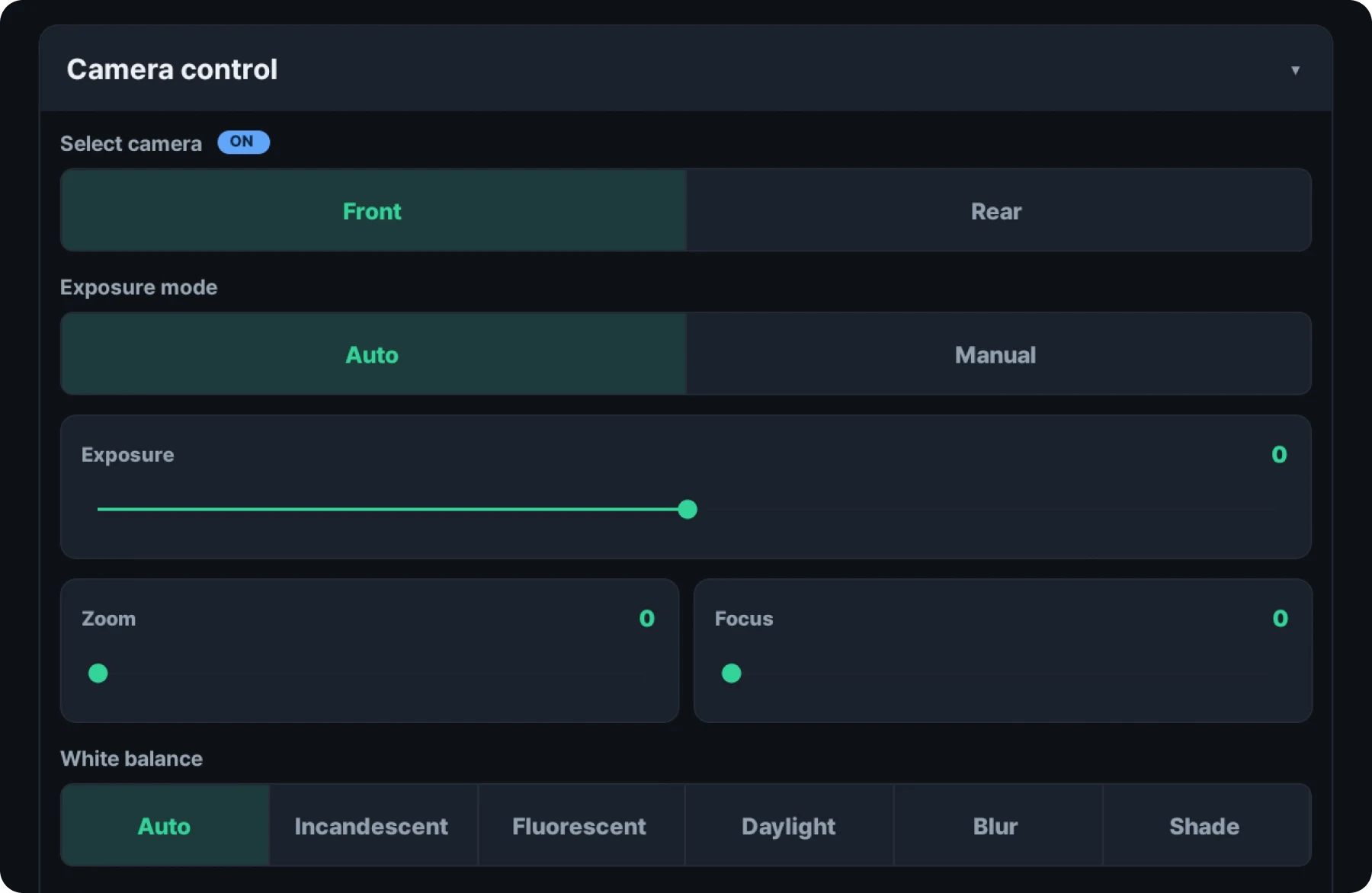
Camera settings can be tuned in fine detail to match the shooting environment. Alongside color grading and filters, you can set exposure, ISO and white balance by hand, which keeps results reliable even in demanding conditions such as low light or backlighting. Digital zoom is there whenever you want to compose a shot more precisely.
5 Flexible branding settings
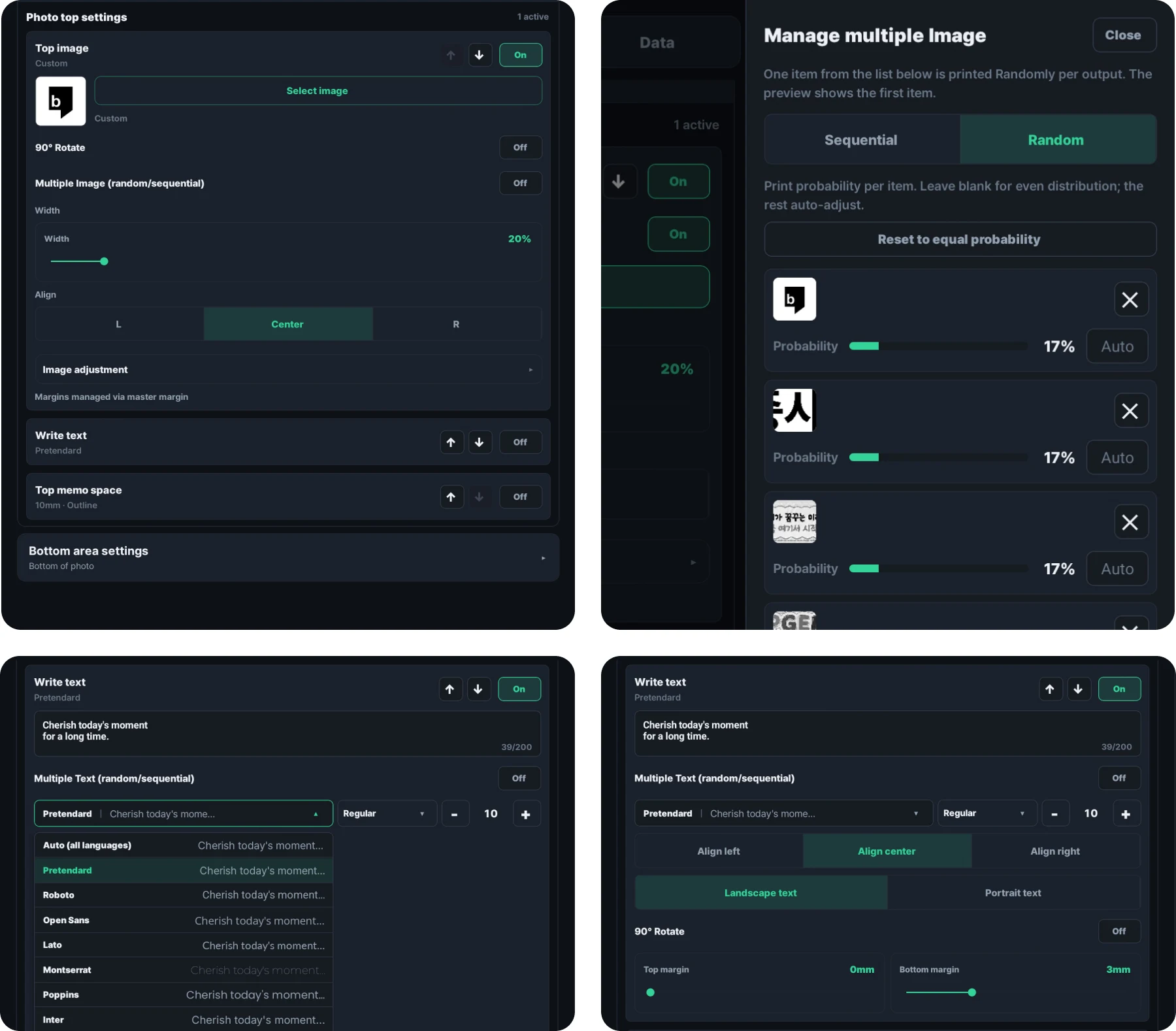
Place the images, messages, margins or memo space you want above and below the captured photo. Register several images and texts in advance, then print them in sequence or at random. Random printing lets you set a print probability for each image, which is useful for prize draws and event promotions. Images and text you add can be resized and lightly retouched right inside the app. A broad choice of typefaces and text sizes means an on-brand design comes together without any separate graphic work. Add a margin and a memo space and turn the print into a special receipt photo your customers can write their own message on.
6 Set up the capture interface your way too
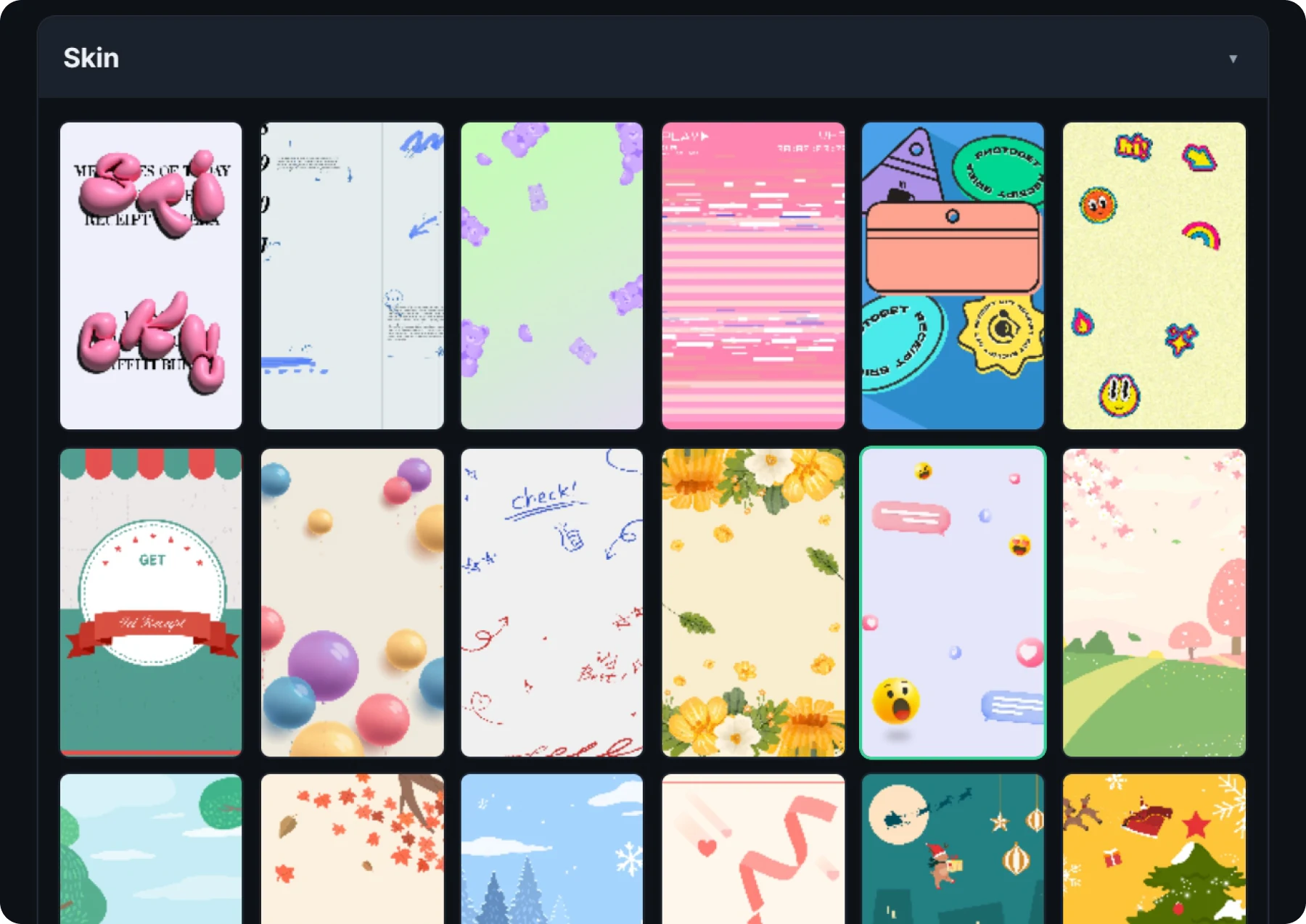
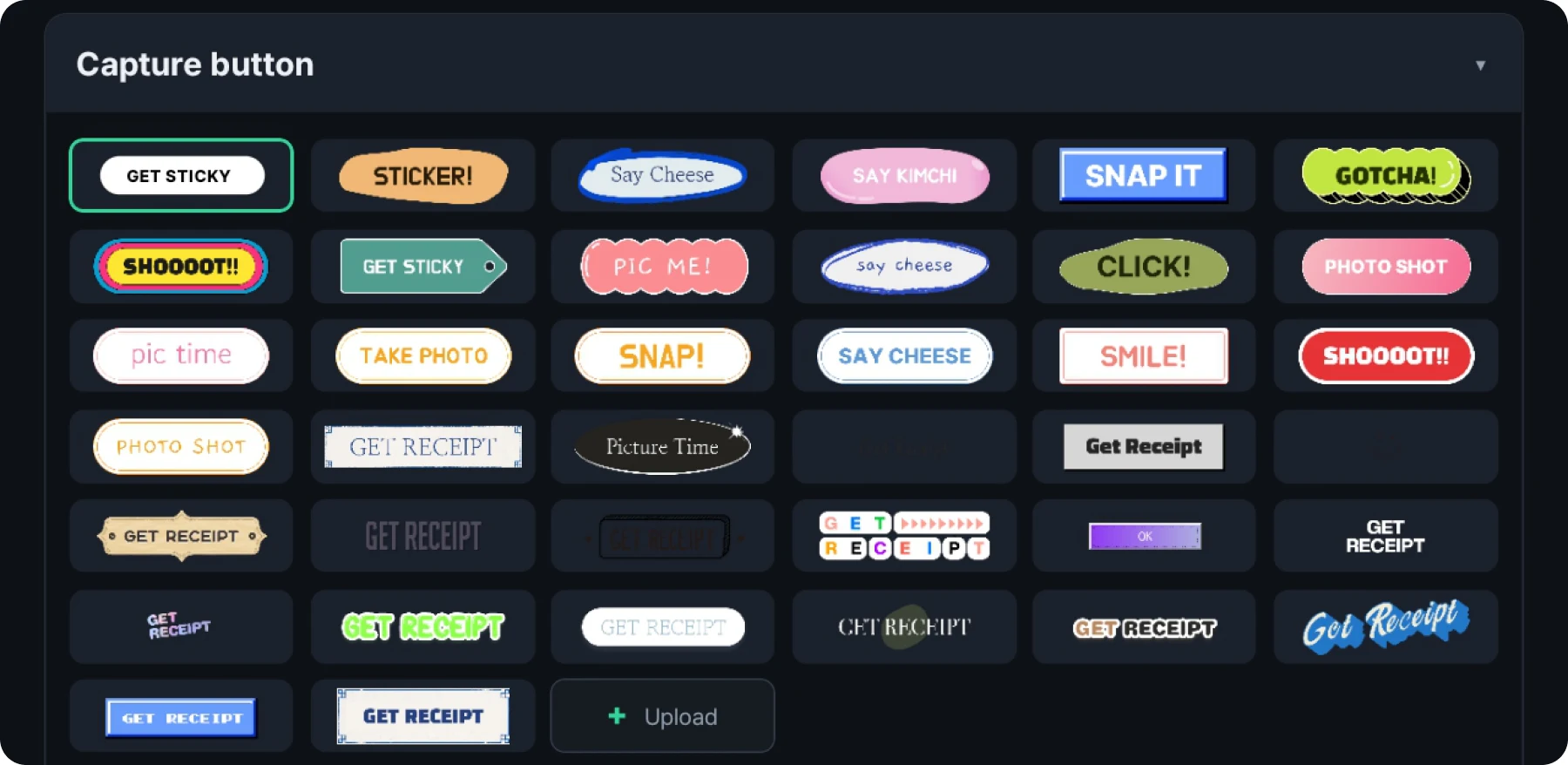
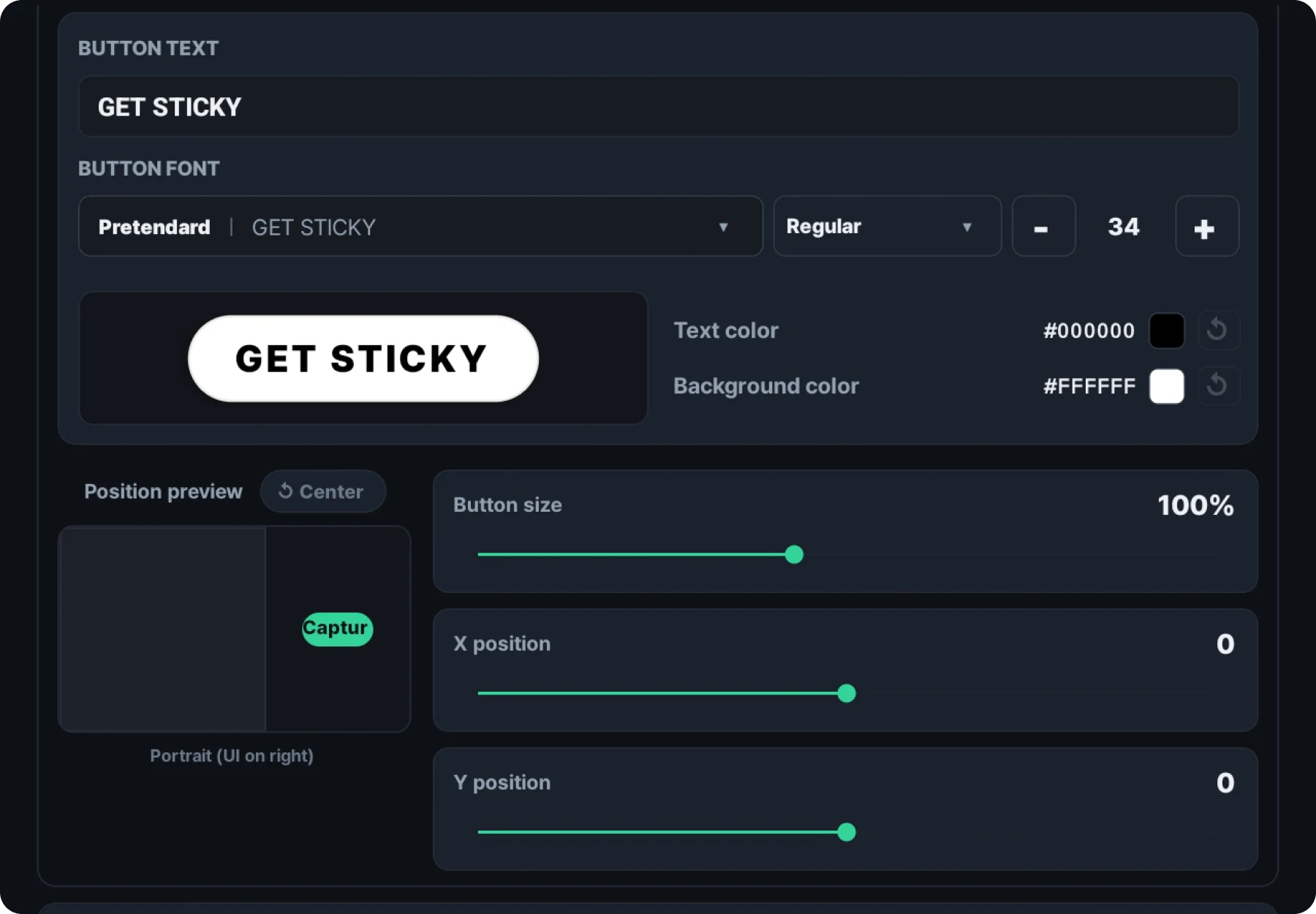
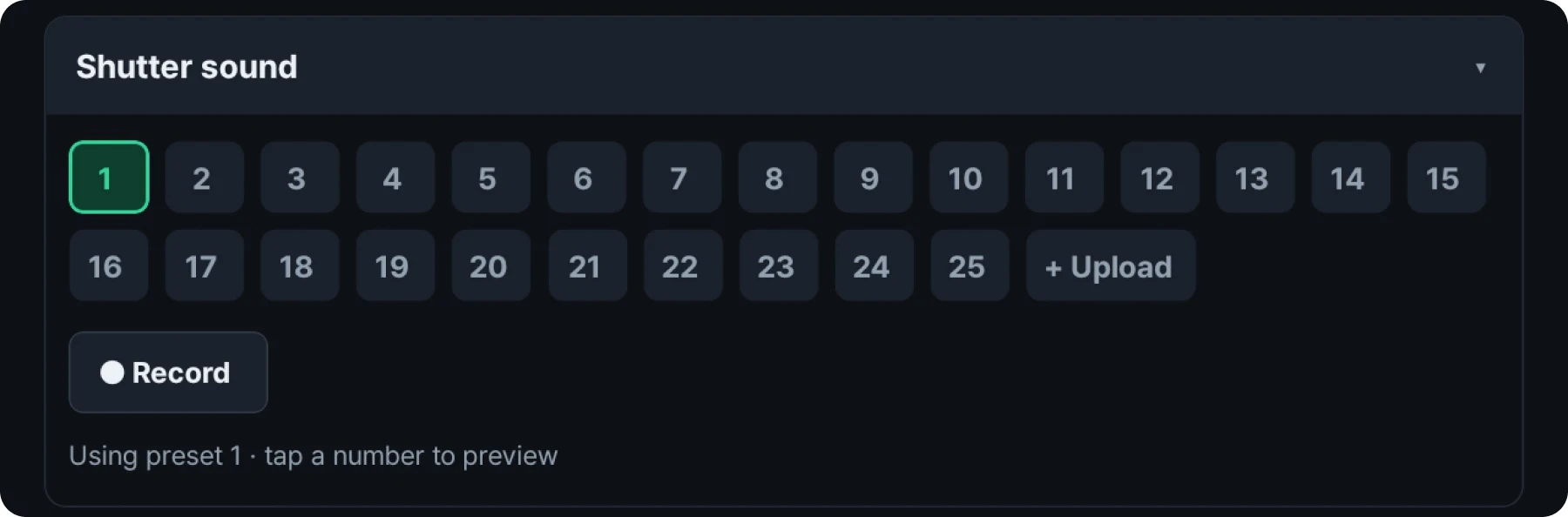
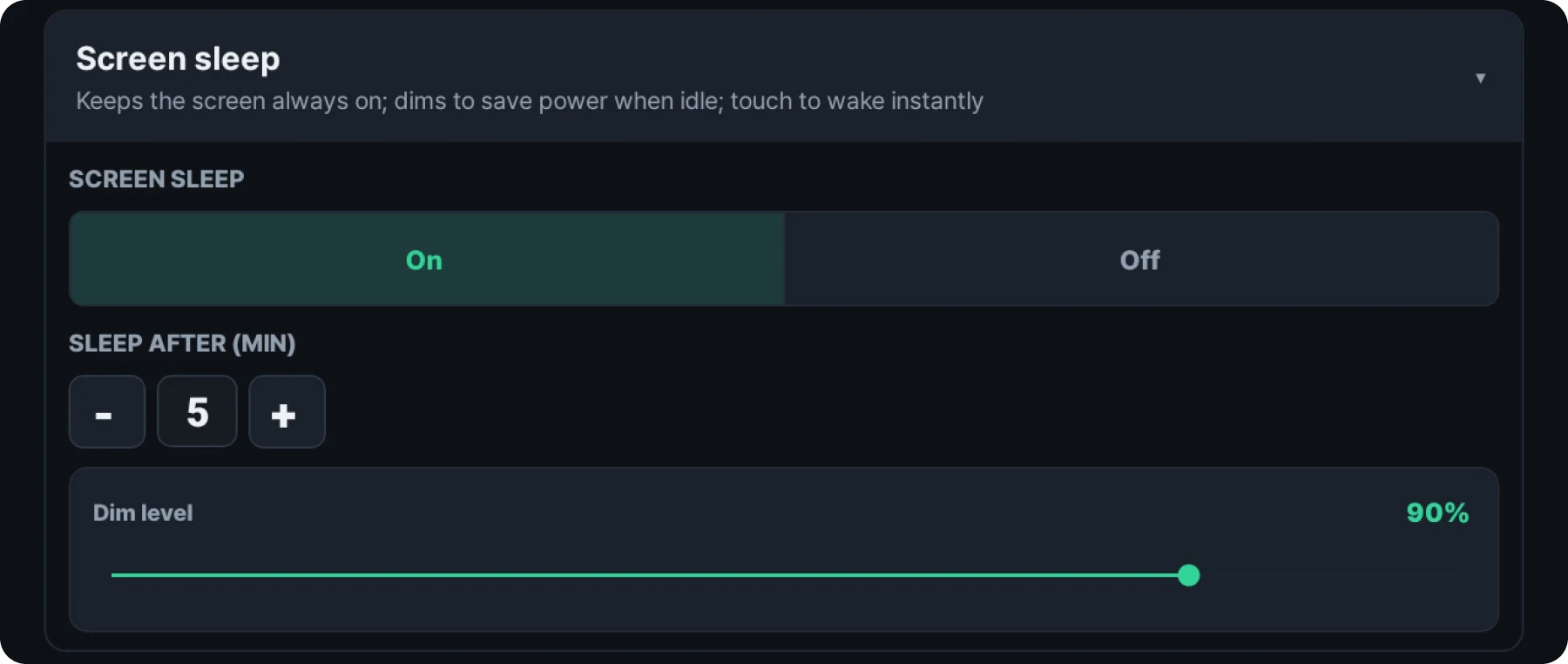
The capture screen offers a wide range of layout options. Choose your capture screen background and buttons, or place a shutter button on a background image you created. You can adjust the button text, size and position. The shutter sound is also customizable. Choose from the 25 sounds included, or use your own voice recording or another sound instead of the default shutter sound. To pause operation of RECEIPT CAMERA® PRO+ HYBRID, switch the capture screen to sleep mode in one step.
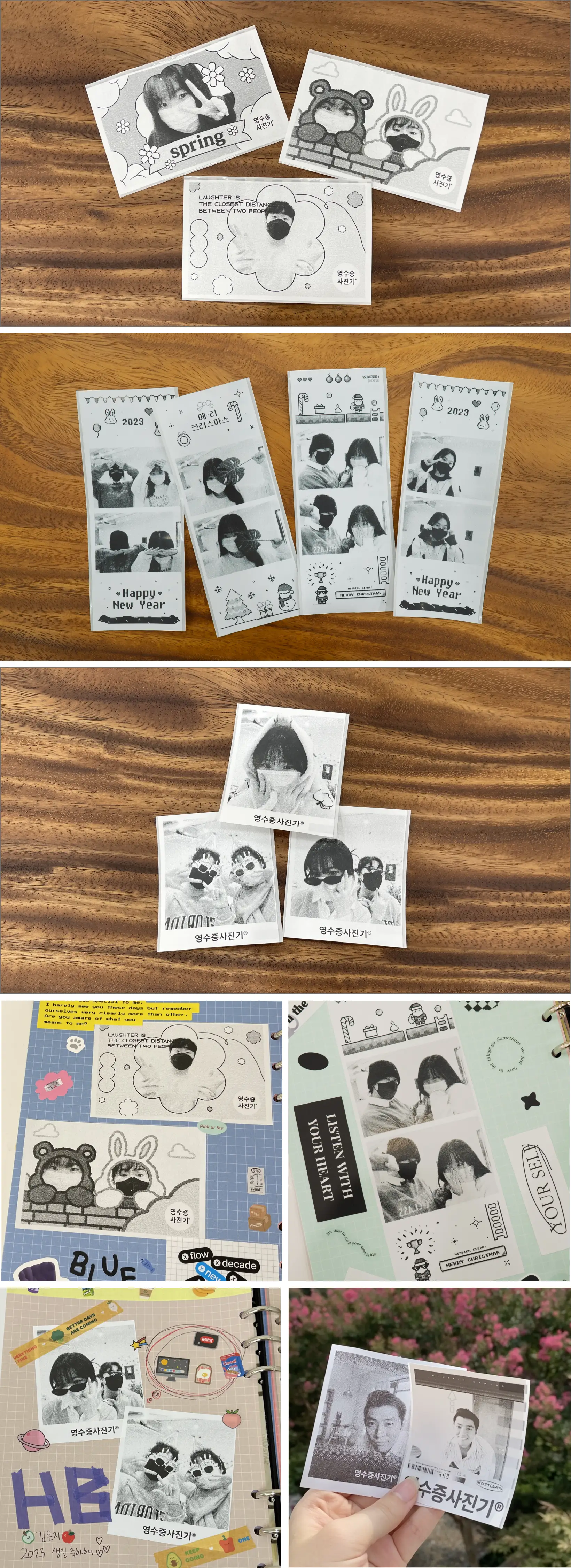
Different capture modes, different looks
RECEIPT CAMERA® PRO+ HYBRID creates distinctive results with a wide range of capture modes and ratios. Switch modes as you shoot and collect a different cut every time.
Seven two-tone wood combinations
RECEIPT CAMERA® PRO+ HYBRID lets you pick the front wood and the side wood separately and pair them as you like. Beyond the seven featured pairings, Walnut, Oak, Maple and Cherry can be combined however you like.
RECEIPT CAMERA®
Your record, a new discovery
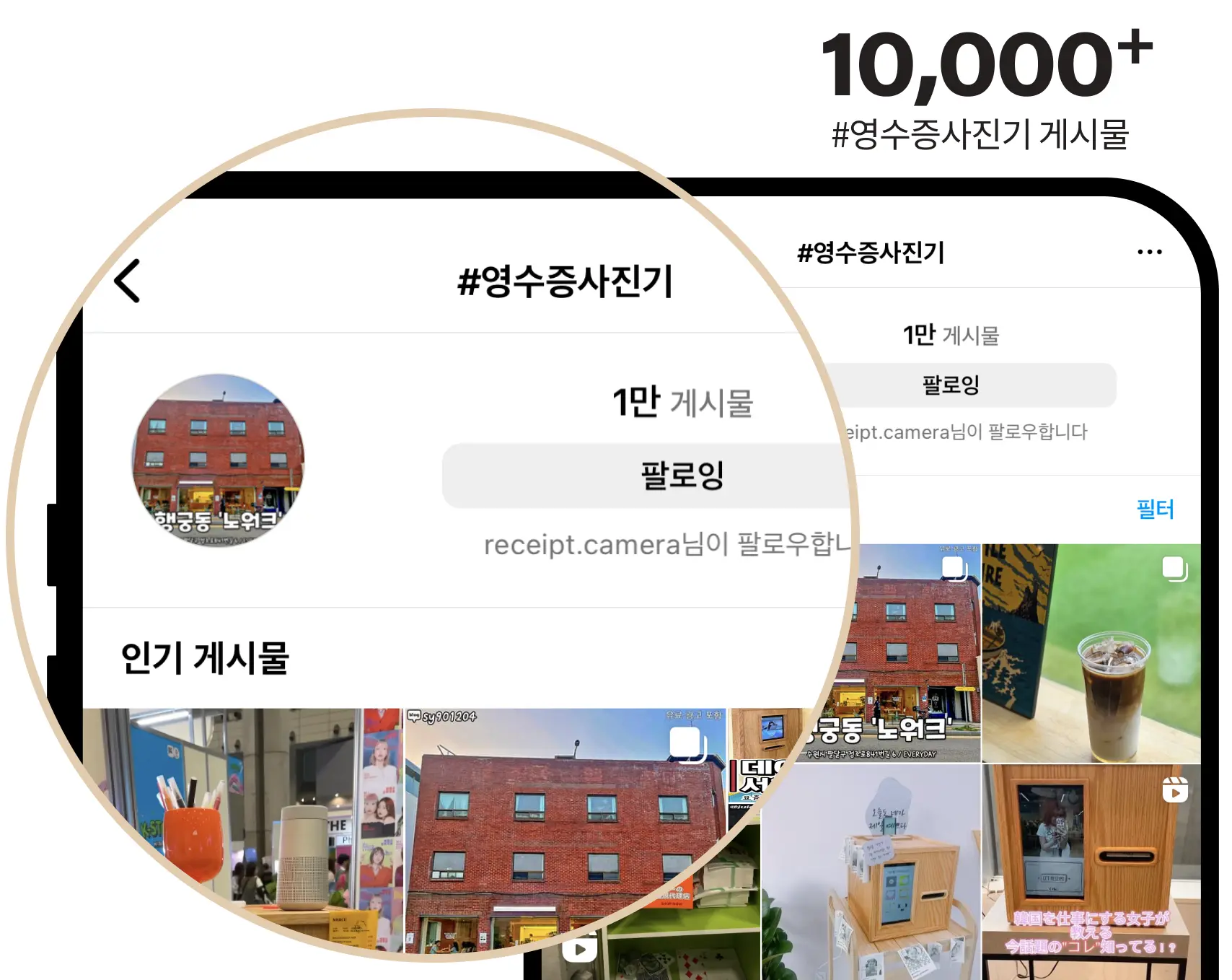
Find first-hand stories about Brief RECEIPT CAMERA® across social media platforms.
※RECEIPT CAMERA® is a registered trademark